AI for Cash Flow Forecasting (Practical Methods for 2026)
Cash flow problems often appear suddenly, even when a business looks profitable on paper. Many non-technical professionals struggle to predict upcoming cash shortages or surpluses with confidence.
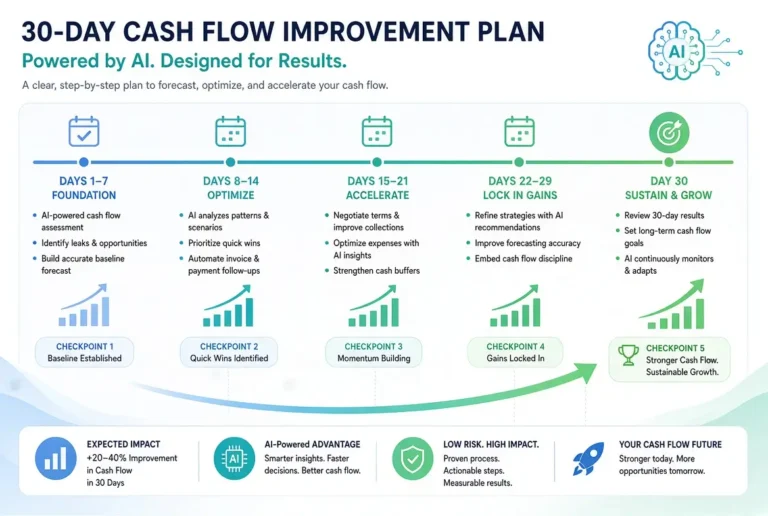
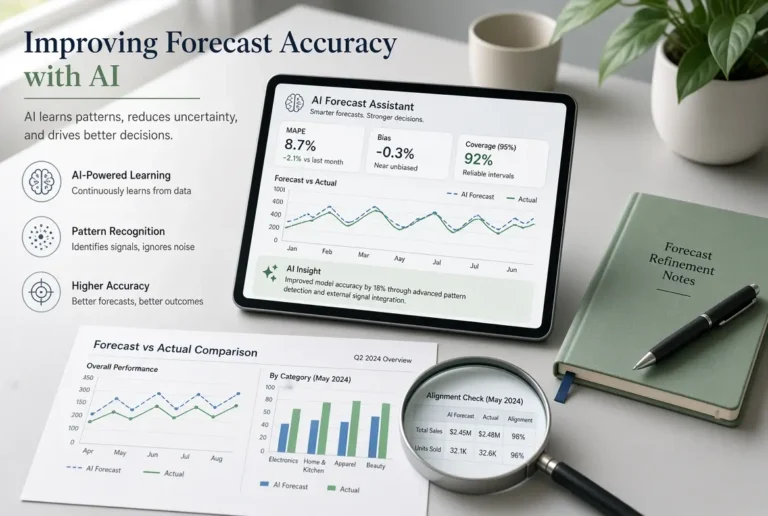
AI can make cash flow forecasting faster and more approachable. While it does not replace good financial judgment or accurate data, it can help you organize information, identify patterns, and create clearer forward-looking views.
This guide explains practical methods for using AI in cash flow forecasting. It is written for non-technical professionals who want useful results without complex models.
Why Cash Flow Forecasting Matters
A clear cash flow forecast helps you:
- Anticipate shortfalls before they become urgent
- Plan major expenses with more confidence
- Make better decisions about hiring, inventory, or investments
- Reduce financial stress
- Communicate more clearly with stakeholders or lenders
AI improves the process by speeding up analysis and helping you structure information more effectively.
What AI Can (and Cannot) Do for Cash Flow Forecasting
AI is good at
- Organizing historical data into clear summaries
- Identifying patterns in inflows and outflows
- Generating forecast templates and scenarios
- Explaining trends in plain language
- Helping you think through assumptions
AI is not a replacement for
- Accurate bookkeeping
- Real invoice and payment data
- Human judgment about customer behavior or market conditions
- Detailed financial modeling in complex businesses
Treat AI as a smart assistant, not an automatic solution.
Practical Method 1: AI-Assisted Historical Analysis
Start by understanding your recent cash flow patterns.
How to do it
- Export 3–12 months of cash flow data (or summarize it).
- Provide the summary to an AI tool.
- Ask for patterns, seasonal trends, and risks.
Sample Prompt
Act as a practical financial analyst. Here is a summary of my business cash inflows and outflows for the past [number] months:

[Paste summary or key figures]

Identify:
- Recurring patterns
- Seasonal trends
- Potential risks
- Opportunities to improve cash flow
Explain everything in simple language.
This method gives you a clearer baseline before forecasting.
Practical Method 2: Building a Simple Forward-Looking Forecast
Once you understand the past, use AI to create a forward view.
Sample Prompt
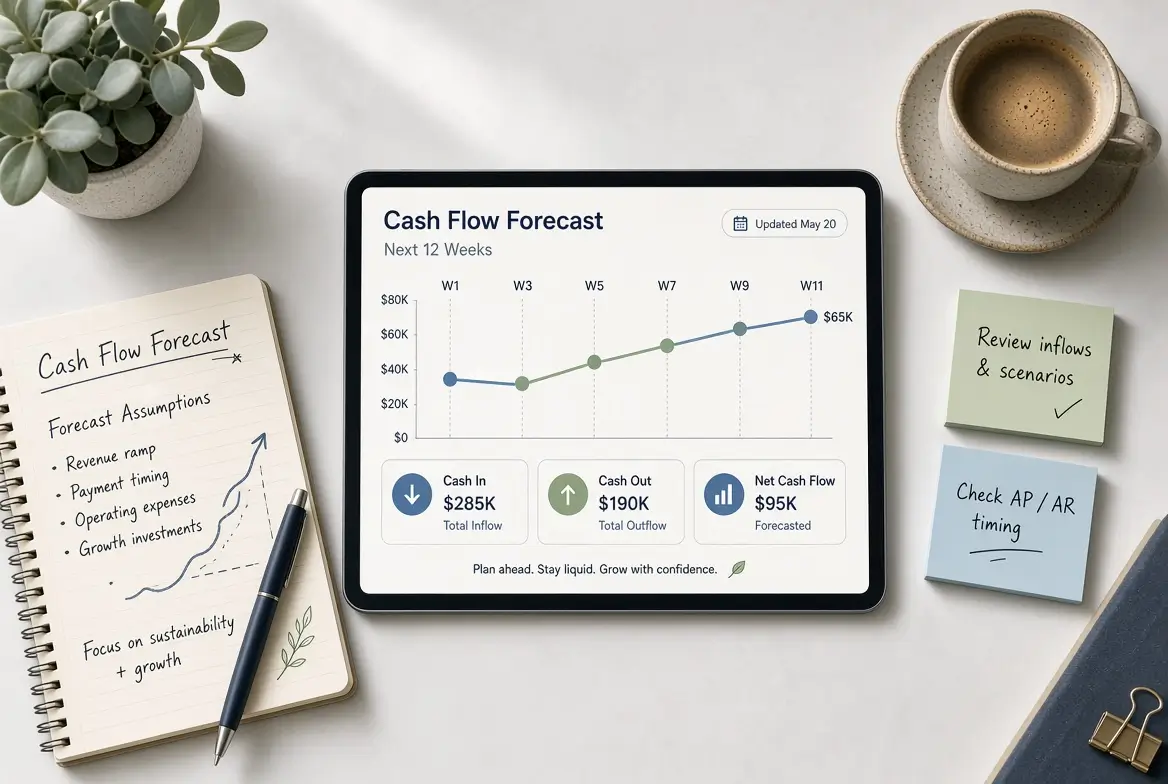
Create a simple 13-week cash flow forecast template for a [type of business].

Starting cash balance: [amount]
Expected weekly revenue range: [amount]
Major known expenses: [list]
Payment terms: [e.g., customers pay in 30 days, we pay suppliers in 15 days]

Present a clear week-by-week structure showing:
- Opening balance
- Expected inflows
- Expected outflows
- Closing balance
Include space for notes and assumptions.
You can then replace the estimates with your real expected figures.
Practical Method 3: Scenario Planning with AI
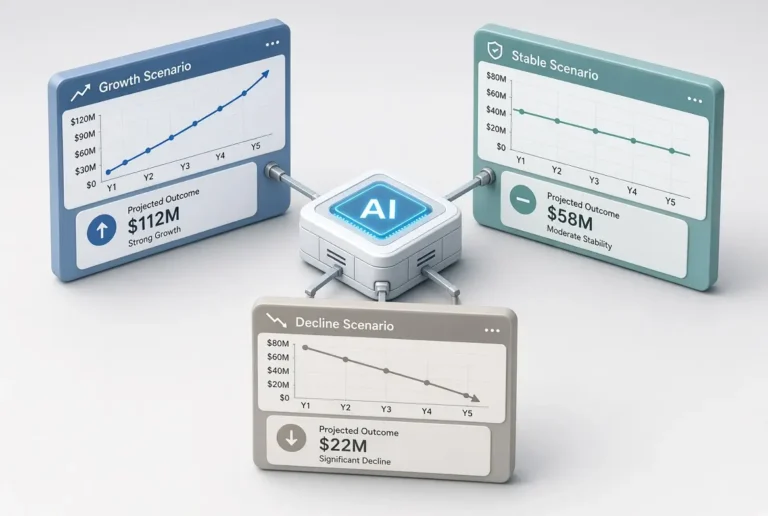
Cash flow forecasts become more useful when you test different scenarios.
Sample Prompt
Using this base cash flow forecast, create three scenarios:

1. Optimistic (revenue 15% higher, expenses stable)
2. Base case (current expectations)
3. Conservative (revenue 15% lower or delayed payments)

Explain the impact on cash balance over the next 90 days and highlight when cash might become tight in each scenario.

Base forecast:
[Paste your forecast summary]
This approach helps you prepare for uncertainty instead of relying on a single prediction.
Practical Method 4: Combining AI with Spreadsheets
One of the most effective approaches is using AI together with Excel or Google Sheets.
Recommended workflow
- Keep your actual cash flow data in a spreadsheet.
- Use AI to generate the structure, categories, and formulas suggestions.
- Ask AI to help interpret results or create commentary for stakeholders.
- Update the spreadsheet regularly with real numbers.
This combination keeps you in control of the data while using AI for speed and clarity.
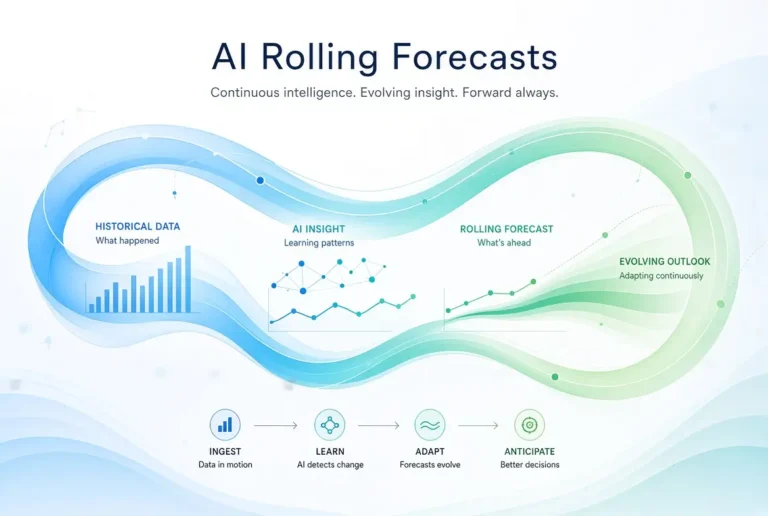
Practical Method 5: Rolling Cash Flow Forecasts
Instead of creating a forecast once and forgetting it, use a rolling approach.
How AI helps
- Quickly update assumptions
- Regenerate summaries after changes
- Explain what changed from the previous version
Sample Prompt
Update this rolling 13-week cash flow forecast with the following new information:
[List new invoices, expenses, delays, or changes]

Highlight what improved, what worsened, and any weeks that now look risky.
Best Practices for Accurate AI-Assisted Forecasting
- Use the most accurate data you have
- Separate confirmed amounts from estimates
- Update the forecast regularly (weekly is ideal for many businesses)
- Document your key assumptions
- Always review AI output for errors or unrealistic projections
- Focus on decisions, not just numbers
Common Mistakes to Avoid When Using AI for Cash Flow Forecasting
- Treating AI forecasts as guarantees
- Ignoring timing differences between revenue and cash collection
- Forgetting irregular expenses (taxes, insurance, annual subscriptions)
- Creating a forecast and never updating it
- Overcomplicating the model when a simple version would work better
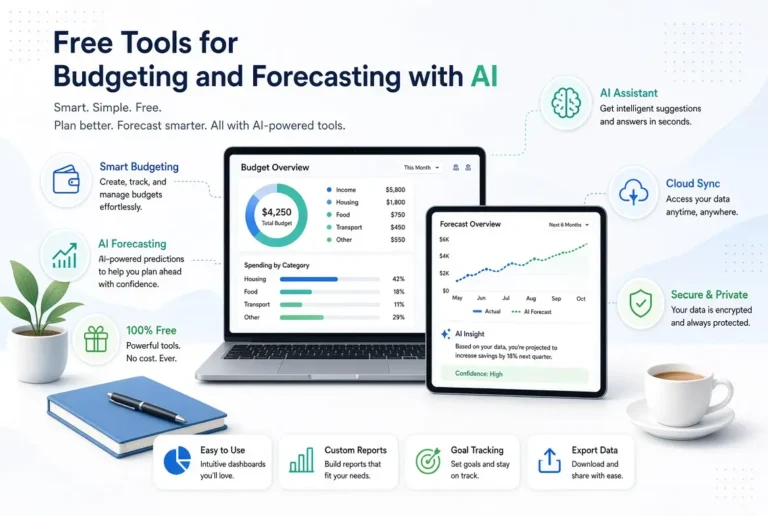
Simple Tools You Can Use
You do not need expensive software to start:
- ChatGPT, Claude, or Gemini for analysis and structure
- Google Sheets or Excel for the actual forecast
- Your existing accounting tool (QuickBooks, Xero, etc.) for source data
As your needs grow, you can explore dedicated cash flow tools, but most non-technical professionals can begin effectively with this simple stack.
How This Fits Into the Bigger Picture
Cash flow forecasting works best when connected to budgeting and regular financial review. AI can support all three areas when used consistently.
For the complete framework, see the main pillar guide:
Using AI for Budgeting, Forecasting, and Cash Flow
Related article:
Easy AI Prompts for Making Business Budgets
Final Thoughts
Cash flow forecasting does not have to be complex or intimidating. With practical AI methods, non-technical professionals can create clearer, more useful forecasts and update them with less effort.
Start small. Analyze your recent cash flow with AI this week, then build a simple 13-week forecast. The goal is not perfect prediction, but better visibility and fewer surprises.
Frequently Asked Questions
AI can help structure forecasts and identify patterns, but accuracy depends heavily on the quality of your data and assumptions. It is a decision-support tool, not a crystal ball.
Weekly updates work well for most small and medium businesses. At minimum, review it monthly.
General tools like ChatGPT or Claude are excellent for analysis and templates. The real power comes from combining them with a spreadsheet that holds your actual data.
Historical data improves results, but you can still create useful forward-looking forecasts with known upcoming invoices, expenses, and reasonable assumptions.
A 13-week (quarterly) weekly forecast often provides better visibility into short-term cash timing, which is where many businesses face problems.