Best AI Note Taking Apps for Professionals in 2026
Explore the top AI note taking apps for professionals in 2026 that integrate seamlessly into your workflow.
Streamline your operations and project workflows with AI. How to automate documentation, summarize meetings, and track projects using no-code AI tools.
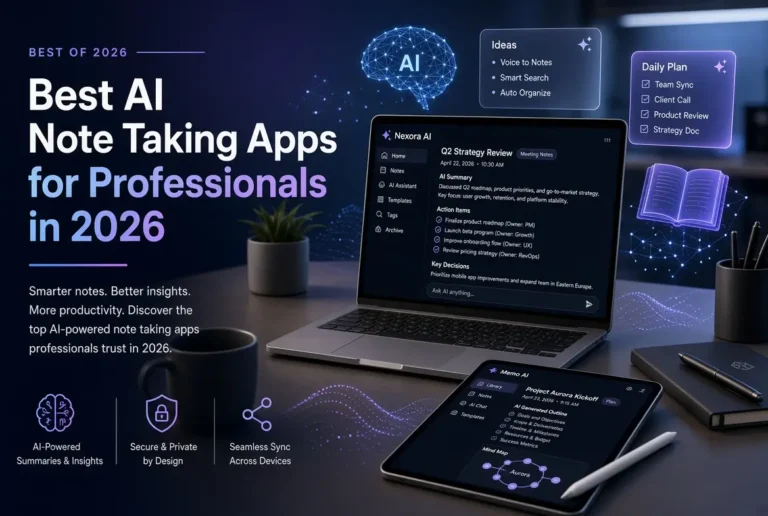
Explore the top AI note taking apps for professionals in 2026 that integrate seamlessly into your workflow.

Most no-code AI project tools demand dozens of settings before they work. Here’s why it happens and practical ways to avoid the overwhelm.
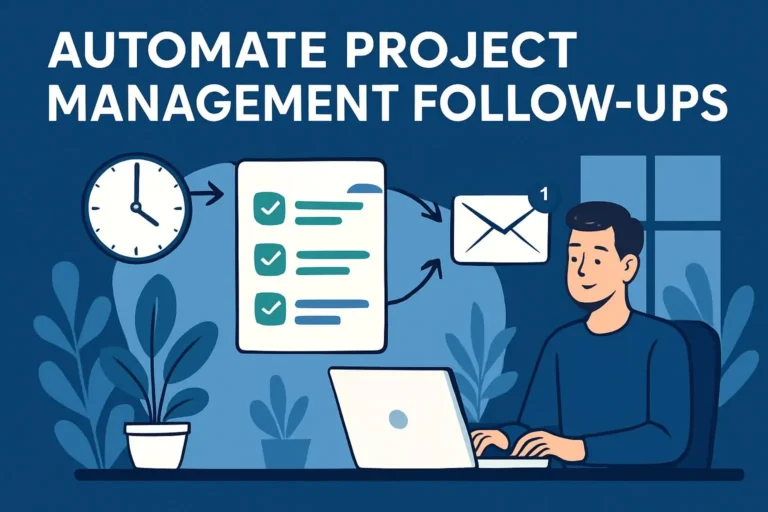
Stop chasing deadlines manually. Learn how non-technical PMs use Asana, Monday.com, and Zapier AI to automate follow-up reminders gracefully.
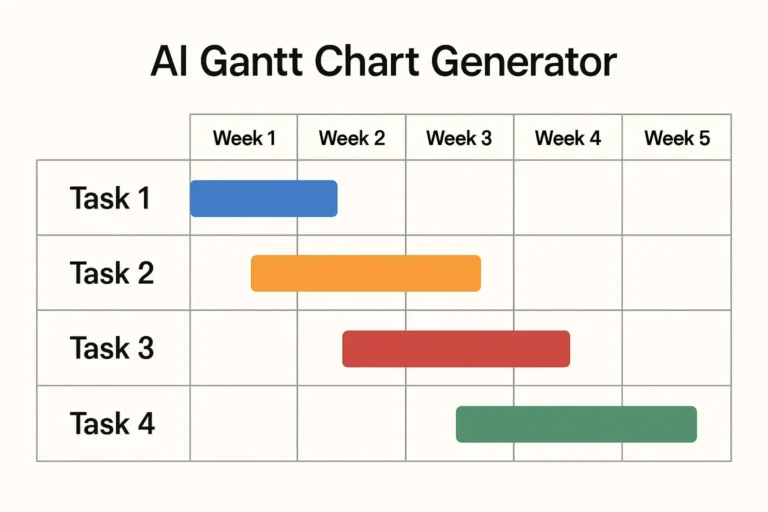
Stop wrestling with legacy tools and spreadsheet formulas. Learn how to use a free AI Gantt chart generator to build project roadmaps in under 2 minutes.

A practical 30-day plan that helps project managers adopt AI step by step. Includes weekly goals, daily actions, and a simple checklist.

Avoid the most common mistakes non-technical project managers make when adopting AI. Practical advice to save time, and reduce frustration.

Learn how project managers can build a simple personal AI assistant to handle recurring tasks, prompts, workflows. Easy steps using free tools
.

Learn a simple process non-technical project managers can use to review and verify AI-generated content before sharing it with stakeholders.

Compare the best free and paid AI tools for non-technical project managers. Which ones to start with, what you get for free, when to upgrade.

How PMs can use AI to create clear meeting summaries, track action items automatically. Tools, prompts, easy workflow to save hours every week
.