Using AI to Build Rolling Forecasts (Practical Guide 2026)
Traditional annual budgets often become outdated within a few months. Markets shift, customer behavior changes, and unexpected expenses appear. This is why many finance professionals and business owners prefer rolling forecasts.
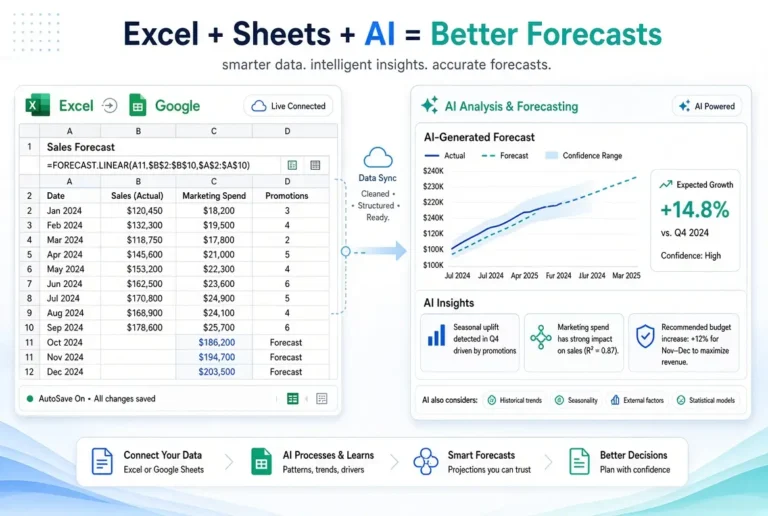
A rolling forecast continuously updates your financial outlook so you always have a current view of the future. AI makes building and maintaining these forecasts much easier for non-technical professionals.
This guide shows you practical ways to use AI to create and manage rolling forecasts without complex financial models.
What Is a Rolling Forecast?
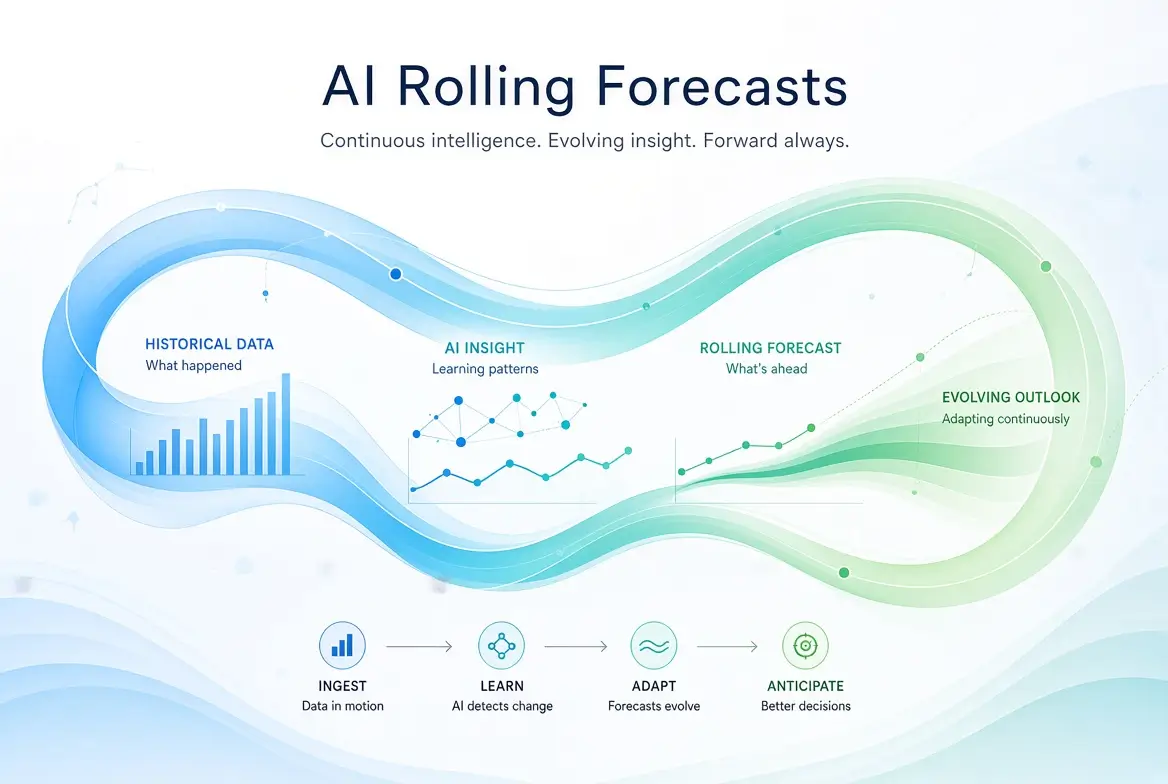
A rolling forecast is a financial projection that is regularly updated and always covers a fixed period into the future (for example, the next 12 months or the next 13 weeks).
Instead of creating a forecast once a year, you update it every month or every week by:
- Adding the newest actual results
- Dropping the oldest period
- Extending the forecast further into the future
- Adjusting assumptions based on new information
This approach keeps your financial outlook relevant.
Why Rolling Forecasts Work Better Than Static Budgets
Rolling forecasts help you:
- Respond faster to changes
- Improve decision-making with current data
- Spot cash flow issues earlier
- Align teams around a living financial plan
- Reduce the “set and forget” problem of annual budgets
AI supports this process by speeding up updates, improving clarity, and helping you analyze changes.
How AI Helps with Rolling Forecasts
AI is particularly useful for:
- Structuring forecast templates
- Updating projections when new data arrives
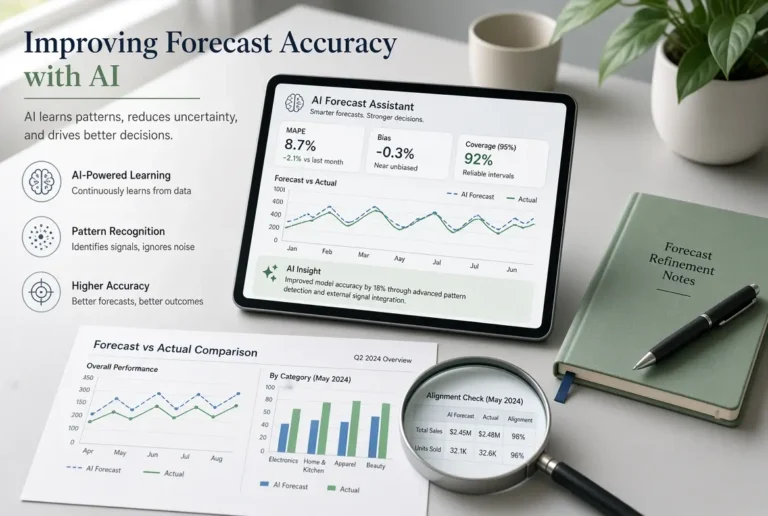
- Comparing actual results versus forecast
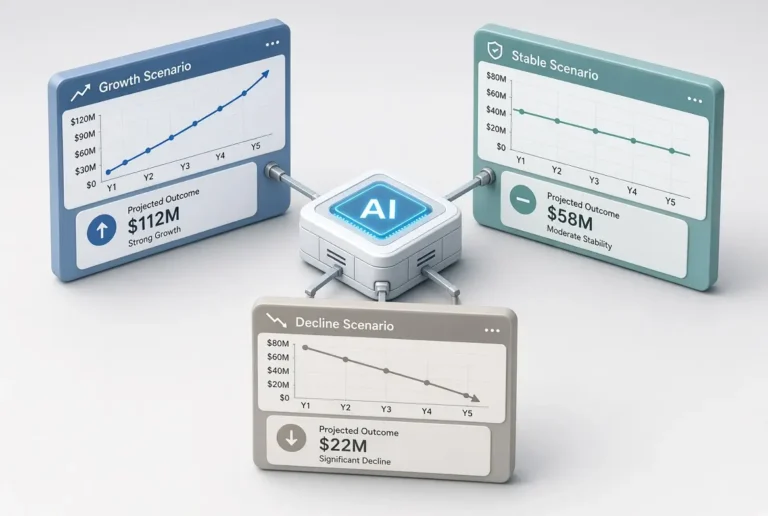
- Generating scenario variations
- Explaining changes in plain language
- Summarizing key insights for stakeholders
AI does not replace accurate data or human judgment. It reduces the manual effort required to keep forecasts current.
Step-by-Step: Building a Rolling Forecast with AI
Step 1: Choose Your Forecast Horizon
Common options:
- 13-week rolling cash flow forecast (short-term focus)
- 12-month rolling forecast (balanced view)
- 18-month rolling forecast (longer planning)
Start with a 12-month or 13-week horizon if you are new to the process.
Step 2: Create the Initial Structure with AI
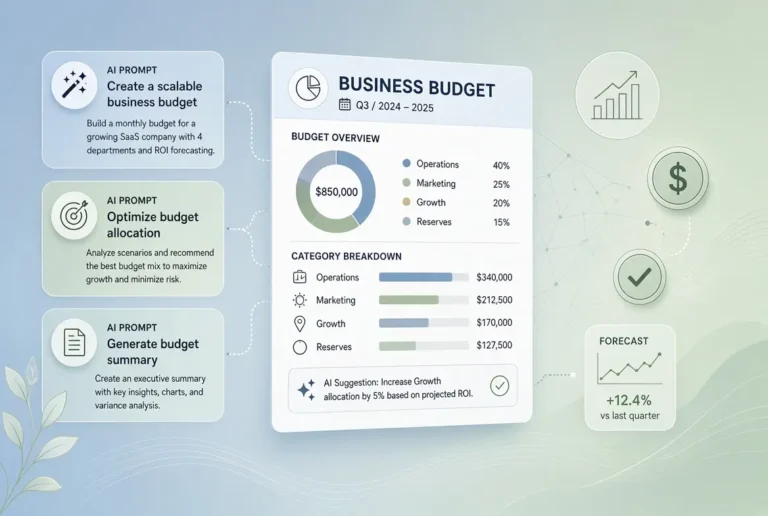
Sample Prompt
Act as a practical financial planning assistant. Create a clean 12-month rolling forecast template for a [type of business].

Include:
- Revenue
- Cost of goods sold / direct costs (if applicable)
- Operating expenses (grouped into clear categories)
- Operating income
- Notes section for assumptions

Present it in a format that is easy to copy into a spreadsheet. Use clear category names and leave placeholder values.
Step 3: Add Your Real Data
Replace AI placeholders with:
- Recent actual results
- Known upcoming revenue
- Confirmed expenses
- Realistic assumptions for future periods
Step 4: Update the Forecast Regularly with AI
Sample Update Prompt
Here is my current rolling forecast and the latest actual results.

Current forecast:
[Paste summary]

New actual results for this month:
[Paste figures]

Update the rolling forecast by:
1. Incorporating the new actuals
2. Adjusting future projections where needed
3. Highlighting significant changes
4. Extending the forecast by one additional month

Explain the key differences from the previous version in simple language.
Step 5: Review and Adjust Assumptions
After every update, ask AI to help you stress-test the numbers:
Review this updated rolling forecast and list the five most important assumptions that could significantly affect the results.
For each assumption, suggest a simple way to monitor it.
Practical Tips for Success
- Keep the structure simple, especially at the beginning
- Update on a fixed schedule (for example, the first week of every month)
- Separate confirmed figures from estimates
- Focus on decisions the forecast should support
- Store each version so you can track how projections change over time
- Use AI for analysis and formatting, but keep final control over the numbers
Rolling Forecast + Cash Flow Combination
Many non-technical professionals benefit from running two connected views:
- A 12-month rolling financial forecast (profit and overall outlook)
- A 13-week rolling cash flow forecast (short-term liquidity)
AI can help maintain both and explain how they relate to each other.
Common Mistakes to Avoid
- Making the forecast too detailed too quickly
- Updating numbers without reviewing assumptions
- Treating AI projections as final answers
- Ignoring timing differences between revenue and cash collection
- Creating the forecast once and failing to maintain it
Simple Tools You Can Use
You do not need expensive software to start:
- ChatGPT, Claude, or Gemini for structure, updates, and analysis
- Google Sheets or Excel as the system of record
- Your accounting software for actual results
This combination is powerful enough for most small and mid-sized businesses.
How This Fits Into the Bigger Picture
Rolling forecasts work best when connected to budgeting and cash flow management. AI can support the entire cycle when used consistently.
For the complete framework, see the main pillar guide:
AI Tools for Budgeting, Forecasting, and Cash Flow
Related articles:
Final Thoughts
Rolling forecasts give you a living view of your financial future instead of a static snapshot. With AI, the process of building and updating them becomes much more manageable for non-technical professionals.
Start with a simple 12-month template this month. Add your real data, schedule a recurring update, and use AI to help with analysis and adjustments. Over time, this habit provides clearer visibility and better financial decisions.
Frequently Asked Questions
A budget is usually a fixed plan set for a period (often one year). A rolling forecast is continuously updated and always looks a fixed distance into the future.
Monthly updates work well for most businesses. Weekly updates are useful when cash flow is tight or conditions change quickly.
Yes, but the quality improves significantly when you provide recent actual results and realistic assumptions.
General-purpose tools like ChatGPT or Claude are excellent for templates, updates, and commentary. The forecast itself should live in a spreadsheet.
Yes. Small businesses often benefit the most because they need agility and early warning of cash flow issues.