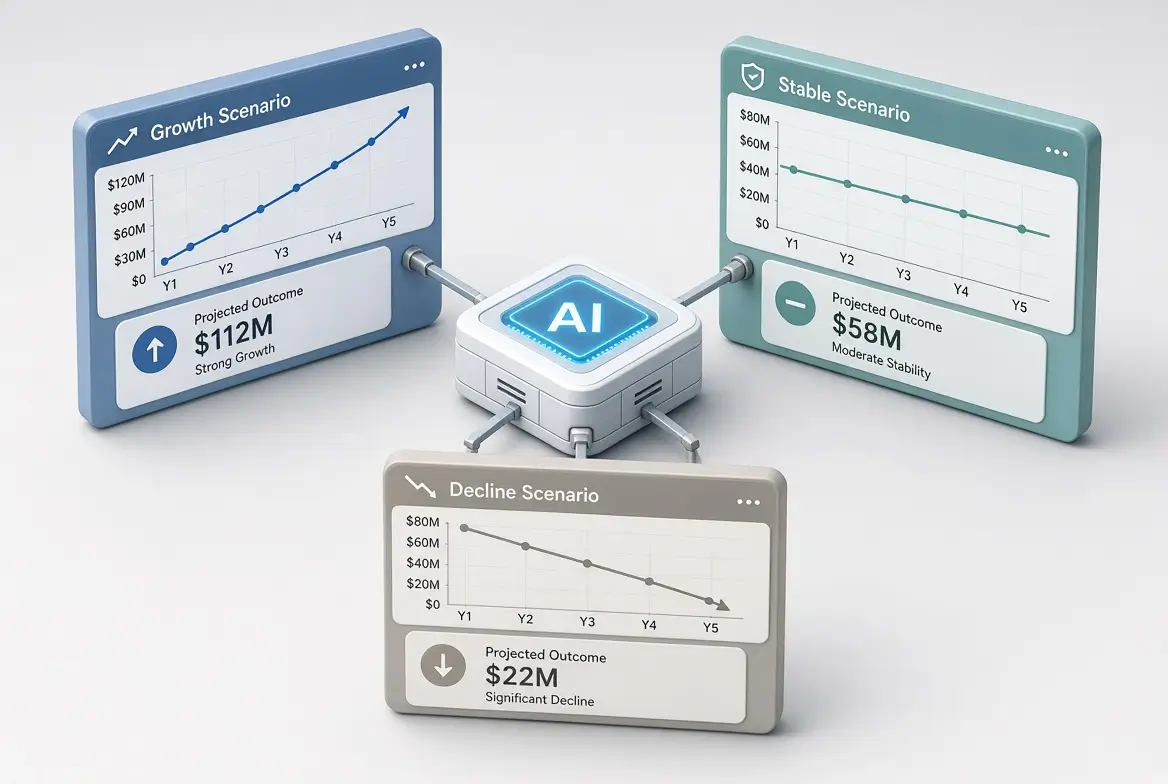
AI-Assisted Scenario Planning (“What If” Analysis) for Non-Technical Professionals
Most financial plans fail not because the math is wrong, but because they assume only one version of the future. In reality, customers pay late, marketing campaigns underperform, costs rise, or a big opportunity appears unexpectedly.
Scenario planning, often called “what if” analysis, helps you prepare for different possible outcomes instead of betting everything on a single forecast. In my experience working with non-technical founders and finance managers, the biggest barrier has never been understanding the concept. It has been the time and complexity required to build multiple versions of a forecast manually.
AI changes this. When used correctly, it allows non-technical professionals to run useful scenario analysis in minutes rather than hours or days.
Why Scenario Planning Matters More Than Ever
From what I have observed across dozens of small and mid-sized businesses, teams that regularly test at least three scenarios (optimistic, base, and conservative) make calmer and better decisions during uncertainty. They are less likely to over-hire in good months or panic-cut in slow ones.
A simple real-world pattern I keep seeing:
- Businesses that only use a single “best guess” forecast are often surprised by cash shortfalls.
- Businesses that test downside scenarios in advance usually have contingency actions ready (for example, delaying a hire or renegotiating payment terms).
AI does not remove uncertainty. It makes it easier to explore.
What AI-Assisted Scenario Planning Actually Looks Like
In practice, effective AI-assisted scenario planning follows this flow:
- Start with a clear base case (your current best estimate).
- Define 2–4 alternative scenarios.
- Ask AI to model the financial impact of each.
- Review the results critically.
- Decide on trigger points and actions.
The value is not in perfect predictions. The value is in clearer thinking.
Practical Method: Building Scenarios with AI
Here is a method I recommend and have seen work well for non-technical users.
Step 1: Establish Your Base Case
Use your current budget or rolling forecast as the starting point. This should reflect your most realistic expectations.
Step 2: Define Clear Scenarios
Common and useful scenarios include:
- Base case: Most likely outcome
- Optimistic: Stronger revenue or faster collections
- Conservative / Downside: Delayed revenue, higher costs, or both
- Specific event: Loss of a major client, new product launch, price increase, etc.
Avoid creating too many scenarios at first. Three is usually enough.
Step 3: Use Strong AI Prompts
Core Scenario Prompt:
Act as a practical financial analyst. Here is my base case 12-month forecast:

[Paste summary of revenue, major expenses, and cash position]

Create three scenarios:
1. Base case (unchanged)
2. Optimistic: Revenue 15% higher and collections 10 days faster
3. Conservative: Revenue 15% lower and one major expense 10% higher

For each scenario, show:
- Impact on monthly cash flow
- Ending cash position after 12 months
- Key risks
- Recommended early warning signs

Explain the differences in clear, simple language.
Specific Event Prompt:
Using my current forecast, model what would happen if [specific event, e.g., we lose our largest customer who represents 25% of revenue starting in month 3].

Show the cash flow impact over the next 6–12 months and suggest three practical actions I could take to reduce the damage.
Pro Tip: The “Decision Trigger” Layer Most People Skip
After running hundreds of these analyses with different users, I noticed a consistent gap. Most people stop after looking at the numbers. The more valuable step is defining decision triggers in advance.
For example:
- If cash falls below X for two consecutive months → delay hiring
- If revenue exceeds Y for three months → accelerate marketing spend
- If a key customer payment is more than 15 days late → start collection escalation
AI can help generate these triggers, but you must choose which ones you will actually follow. This turns scenario planning from an intellectual exercise into a management tool.
Real-World Example (Anonymized)
A service business I advised had a solid base-case forecast showing healthy cash reserves. When we ran a conservative scenario (two clients delaying payment by 45 days + a 10% increase in contractor costs), the forecast showed a potential cash squeeze in month 5.
Because they saw it early, they:
- Tightened payment terms for new clients
- Built a small credit line as backup
- Delayed a non-essential software purchase
Six months later, one of the delayed-payment situations actually occurred. They were prepared and avoided stress. Without the downside scenario, they likely would have been caught off guard.
This is the practical power of the method.
Best Practices from Experience
- Always start with real data, not AI-generated numbers.
- Keep scenarios realistic. Extreme “best” and “worst” cases are less useful than plausible ones.
- Focus on cash impact, not just profit.
- Update scenarios when major assumptions change.
- Document the key assumptions behind each scenario.
- Use AI for speed and structure, but apply your business knowledge to judge whether the outputs make sense.
Limitations You Should Understand
AI cannot predict black swan events with accuracy. It also cannot replace your understanding of customer behavior, market conditions, or operational realities. I have seen people trust polished AI outputs too quickly, only to discover the underlying assumptions were flawed.
The professionals who get the most value treat AI as a thinking partner, not an oracle.
AI-Assisted Scenario Planning Tools You Can Use Today
You do not need specialized software to begin:
- ChatGPT, Claude, or Gemini for scenario generation and analysis
- Google Sheets or Excel to keep the living forecast
- Your accounting system for actual results
This simple combination is sufficient for most non-technical professionals and small finance teams.
How This Fits Into Your Broader Financial System
Scenario planning becomes significantly more powerful when connected to:
- A solid budget
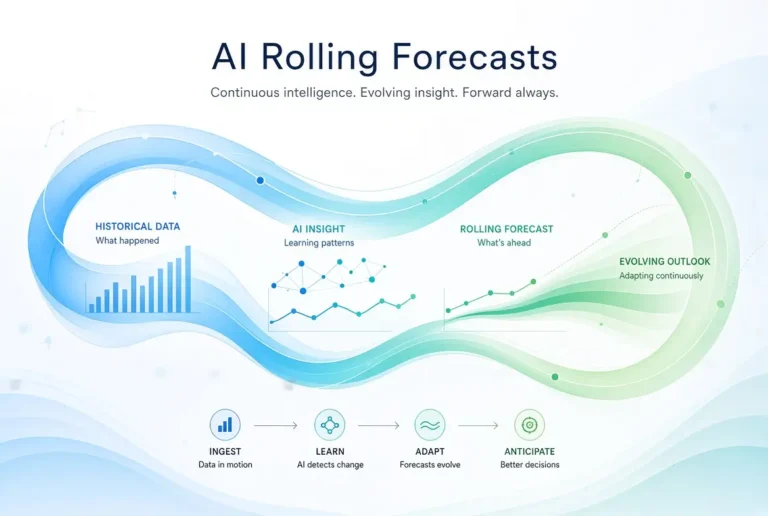
- A regular rolling forecast
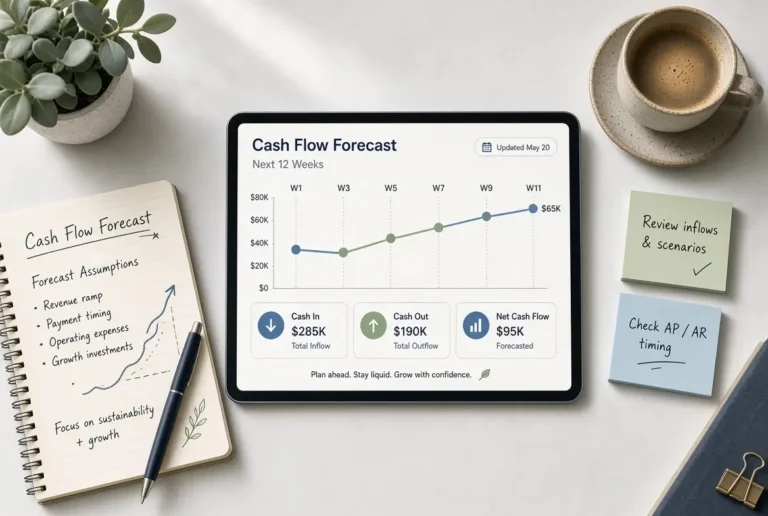
- Cash flow tracking
Together, these create a practical financial operating system rather than a collection of static documents.
For the complete framework, see the main pillar guide:
AI for Budgeting and Forecasting
Related articles:
Final Thoughts
The most valuable financial skill in uncertain environments is not perfect prediction. It is the ability to think clearly about different possible futures and prepare accordingly.
AI-assisted scenario planning makes this accessible to non-technical professionals who previously found the process too time-consuming. Start with three simple scenarios on your current forecast this week. Define at least two decision triggers. That small investment of time often produces outsized clarity.
In my experience, teams that adopt this habit sleep better and make fewer reactive decisions.
Frequently Asked Questions
Three is ideal for most situations: base, optimistic, and conservative. Add specific event scenarios only when needed.
They are only as good as the data and assumptions you provide. AI improves speed and structure, not crystal-ball accuracy.
Yes. It is one of the most effective ways to anticipate cash shortfalls and prepare responses in advance.
Yes, especially the key assumptions and decision triggers. Shared understanding improves alignment when conditions change.
Review them monthly, or immediately after any major business change (lost client, new contract, significant cost increase, etc.).