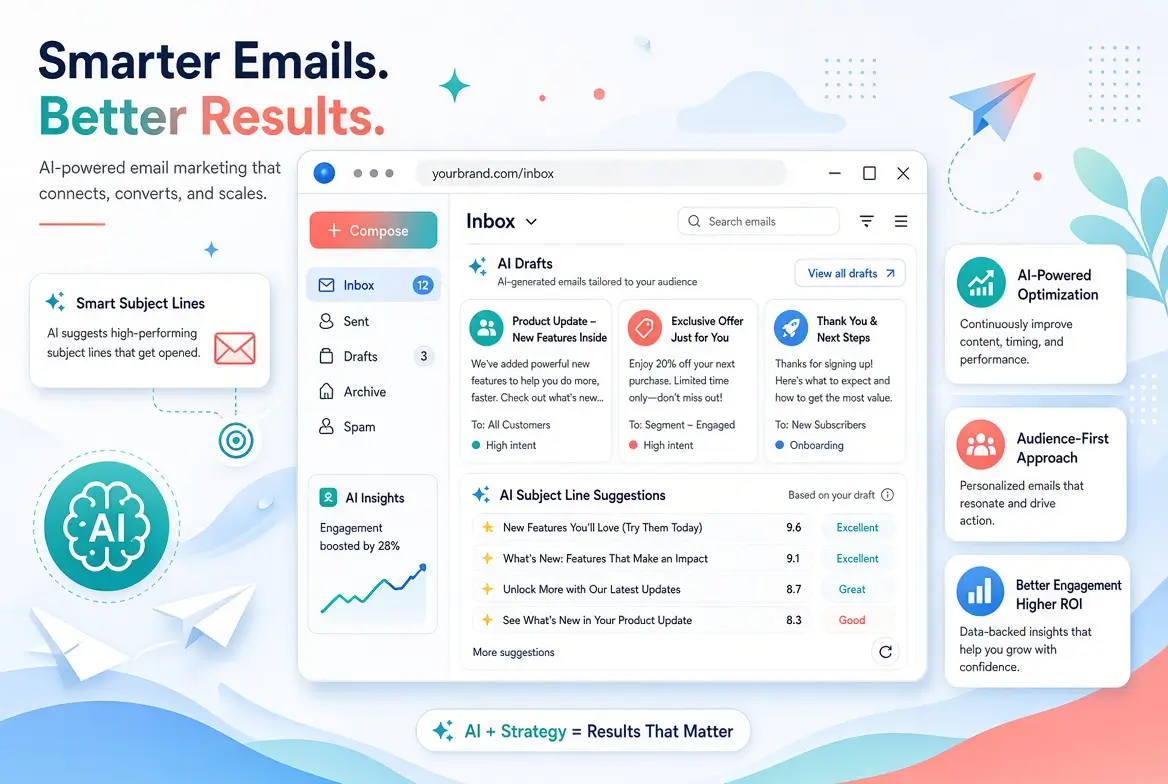
Email remains one of the highest-ROI channels in marketing. Yet many non-technical marketers still struggle with blank-page syndrome, weak subject lines, and inconsistent campaigns. AI tools for email marketing now make email marketing significantly easier.
You can generate subject lines, write full emails, personalize messages, and improve performance, without needing technical skills or complex setups.
This guide covers the best AI tools for email marketing that non-technical marketers actually enjoy using. You will find clear recommendations, practical use cases, and tips to get better results faster.
Why AI Works So Well for Email Marketing
AI is particularly effective at:
- Writing clear and engaging copy
- Generating multiple subject line variations quickly
- Maintaining a consistent tone
- Speeding up first drafts
- Helping with personalization at a basic level
When used correctly, AI reduces writing time while still allowing you to keep full control over the final message.
Best AI Tools for Email Marketing
Here are the tools that deliver the most value for non-technical marketers right now.
1. ChatGPT (Free + Paid)
Best overall for email writing
Why marketers love it
- Excellent at writing complete emails and sequences
- Strong performance on subject lines and CTAs
- Easy to guide with simple prompts
- Works for newsletters, promotional emails, welcome sequences, and follow-ups
Best used for
Drafting full emails, subject lines, and email series.
2. Claude (Free + Paid)
Best for natural, human-sounding emails
Why marketers love it
- Produces warm, professional, and natural-sounding copy
- Handles longer email sequences well
- Great at refining and improving existing drafts
Best used for
Newsletters, relationship-building emails, and editing.
3. Gemini
Best for Google Workspace users
Why marketers love it
- Convenient if you already work in Gmail and Google Docs
- Solid performance on quick drafts and rewrites
- Easy to use for everyday email tasks
Best used for
Fast drafts and Gmail-related workflows.
4. Tools with Built-in AI Email Features
Several email platforms now include useful AI features:
- Mailchimp AI – subject line suggestions and content assistance
- HubSpot AI – email writing and personalization features
- Klaviyo AI (for e-commerce) – product and campaign recommendations
- Brevo (formerly Sendinblue) – AI content help on higher plans
These are convenient when you want AI inside your existing email platform.
5. Supporting Tools
- Canva Magic Write – helpful for short promotional email sections or visual email ideas
- Subject line specific testers (some free tools exist) – useful for quick inspiration
Quick Comparison of AI Tools for Email Marketing
| Tool | Best For | Ease of Use | Free Plan Strength | Best Feature |
|---|---|---|---|---|
| ChatGPT | All-round email writing | Excellent | Strong | Versatility |
| Claude | Natural tone & longer emails | Excellent | Strong | Human-like writing |
| Gemini | Google users | Very Good | Good | Workspace integration |
| Mailchimp AI | Existing Mailchimp users | Excellent | Limited | Platform-native help |
| HubSpot AI | HubSpot users | Excellent | Limited | CRM-connected writing |
Practical Ways Non-Tech Marketers Use These Tools
1. Subject Lines
Generate 10–15 variations in seconds, then pick and refine the best ones.
2. Full Email Drafts
Turn short bullet points into complete, well-structured emails.
3. Email Sequences
Create welcome series, onboarding emails, or re-engagement campaigns much faster.
4. Rewriting and Improving
Paste an existing email and ask AI to make it clearer, shorter, or more engaging.
5. Personalization Ideas
Get suggestions for segment-specific angles (even if full dynamic personalization still requires your email platform).
Ready-to-Use Prompt Examples
Subject Line Prompt:
Act as an expert email marketer. Write 12 compelling subject lines for an email about [topic/offer].
Audience: [describe audience].
Tone: [friendly / professional / urgent].
Include a mix of curiosity, benefit-driven, and direct styles. Avoid clickbait.
Full Email Prompt:
Write a clear and engaging marketing email.

Goal: [e.g., promote a webinar / share a newsletter / welcome new subscribers]
Audience: [describe]
Key points to include: [list 3–5 points]
Tone: Professional but friendly
Length: 150–200 words
Include a strong call-to-action at the end.
Rewrite Prompt:
Rewrite this email to make it clearer, more concise, and more engaging while keeping the same core message.
Maintain a natural, human tone.

[Paste your draft]
How to Choose the Right AI Tool for Email Marketing
- Just starting? Begin with ChatGPT or Claude free.
- Already using Mailchimp, HubSpot, or Klaviyo? Test their built-in AI features first.
- Need the most natural writing? Many marketers prefer Claude.
- Heavy Google user? Try Gemini alongside another tool.
Most non-technical marketers do well with one primary AI writing tool + their email platform’s native AI features.
Tips for Better Email Results with AI
- Always provide clear context (audience, goal, and key points).
- Generate multiple versions and combine the best parts.
- Edit for brand voice and accuracy before sending.
- Avoid over-reliance on AI for highly sensitive or complex messages.
- Test subject lines. AI gives great options, but real performance data still matters.
Common Mistakes to Avoid with AI Tools for Email Marketing
- Sending AI-generated emails without editing
- Using the same generic tone for every audience
- Ignoring mobile readability
- Over-optimizing for cleverness instead of clarity
- Forgetting a clear call-to-action
Final Thoughts
AI will not replace your email marketing strategy, but it can remove much of the friction in writing. Non-technical marketers who use these tools consistently produce better emails in less time and with less stress.
Start with one tool this week. Use it for your next subject line and email draft. Once you experience the speed difference, it becomes much easier to build AI into your regular email workflow.
For a broader view of AI tools across marketing, see the main pillar:
Best AI Tools for Marketing in 2026 (Non-Tech Teams)
Related article:
Best Free AI Tools for Content Writing and Ideation in 2026
Frequently Asked Questions
Yes. With good prompts, AI can draft complete welcome or nurture sequences. You should still review and customize each email.
Yes for most everyday needs. Many marketers successfully use free tiers of ChatGPT and Claude for email writing.
They can if you use weak prompts. Clear instructions and light human editing usually produce natural results.
This is a personal or brand decision. Most companies treat AI as an internal tool and do not disclose it in every email.
ChatGPT or Claude are the most beginner-friendly starting points for non-technical marketers.