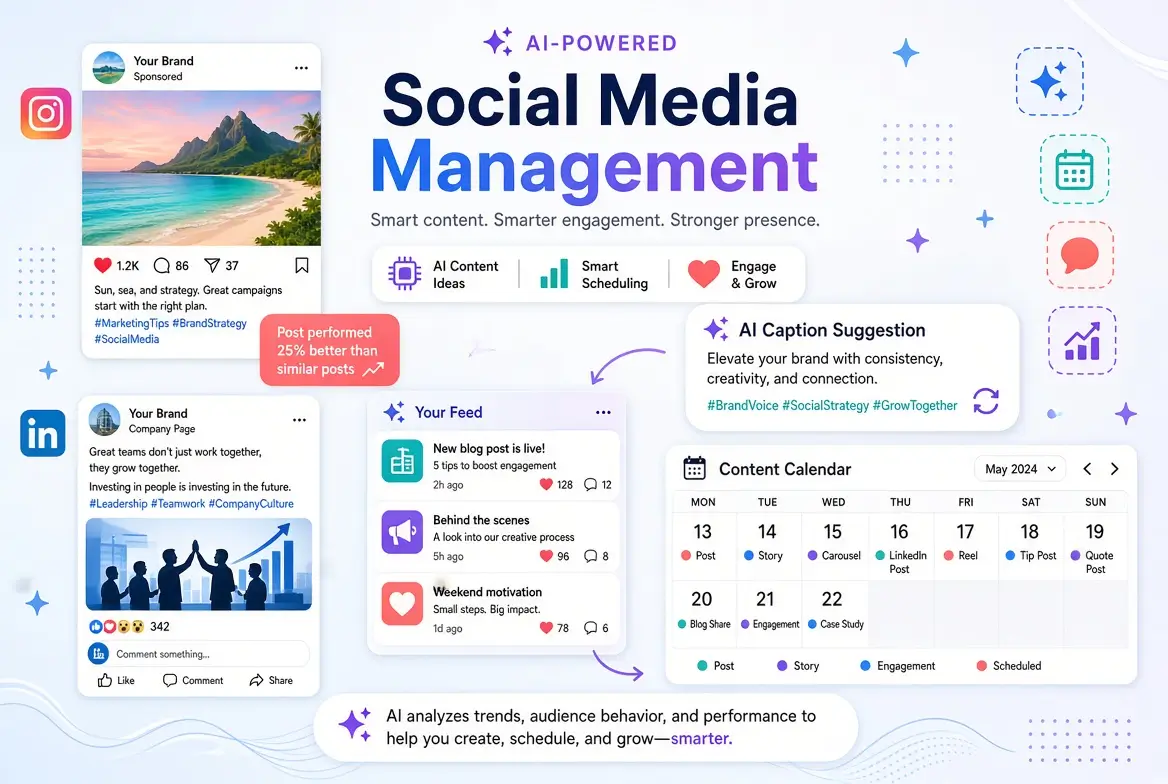
Social media management takes time. Writing captions, generating ideas, scheduling posts, and staying consistent can easily consume hours every week, especially for non-technical marketers handling multiple platforms. Using AI for social media management now makes many of these tasks faster and easier.
The challenge is knowing which tools are actually simple enough for non-technical users and worth trying.
This guide compares the best AI tools for social media management in 2026, with a focus on ease of use, practical features, and real value for non-technical marketers.
What AI Can Realistically Help With in Social Media
AI is currently most useful for:
- Generating post ideas and captions
- Repurposing content across platforms
- Writing variations of the same post
- Improving hooks and calls-to-action
- Basic content scheduling assistance
- Analyzing what type of content performs better (in some tools)
AI is less effective at fully replacing strategy, community management, or authentic engagement.
Best AI Tools for Social Media Management
Here’s a clear comparison of the most practical options for non-technical marketers.
1. ChatGPT (Free + Paid)
Best for: Writing captions, ideas, and content variations
Strengths
- Excellent at generating platform-specific captions
- Strong for brainstorming content ideas and hooks
- Easy to customize tone and style
- Works for LinkedIn, Instagram, Facebook, X, and more
Limitations
- Not a scheduling tool
- Requires manual copying into your social platforms
Best for
Marketers who want high-quality writing support.
2. Claude (Free + Paid)
Best for: Natural-sounding, longer-form social content
Strengths
- Produces polished and human-like captions
- Great for LinkedIn posts and storytelling-style content
- Strong at refining existing drafts
Limitations
- Same as ChatGPT: no native scheduling
- Free plan has usage limits
Best for
Professionals who post thoughtful content on LinkedIn or want a more natural tone.
3. Canva (Magic Studio / Magic Write)
Best for: Visual + text content creation
Strengths
- Combines AI writing with easy design
- Excellent for carousels, quote graphics, and simple videos
- Very beginner-friendly
- Free plan is usable
Limitations
- AI writing is more limited than ChatGPT or Claude
- Advanced features require Canva Pro
Best for
Marketers who need both visuals and captions.
4. Predis.ai
Best for: End-to-end social content creation
Strengths
- Generates posts with captions and visuals
- Offers content calendars and scheduling
- Designed specifically for social media
Limitations
- Free plan is limited
- Output sometimes needs noticeable editing
- Can feel more “templated”
Best for
Marketers who want an all-in-one social AI tool.
5. Vista Social, Publer, or Similar Platforms with AI
Best for: Scheduling + light AI assistance
Strengths
- Combine scheduling with AI caption help
- Useful for managing multiple accounts
- Cleaner workflow than pure writing tools
Limitations
- AI writing quality is usually weaker than ChatGPT/Claude
- Most useful features sit behind paid plans
Best for
People who already need a scheduler and want added AI help.
6. Native Platform AI Features
- LinkedIn AI writing assistance
- Meta (Instagram/Facebook) AI features (rolling out in various forms)
- TikTok creative tools
These are convenient but generally less powerful than dedicated AI writing tools.
Simple Comparison Table for AI Tools for Social Media Management
| Tool | Best For | Ease of Use | Free Plan | Scheduling | Writing Quality | Overall for Non-Tech |
|---|---|---|---|---|---|---|
| ChatGPT | Captions & Ideas | Excellent | Strong | No | Excellent | Excellent |
| Claude | Natural LinkedIn-style posts | Excellent | Strong | No | Excellent | Excellent |
| Canva | Visuals + short captions | Excellent | Good | Limited | Good | Excellent |
| Predis.ai | All-in-one content | Very Good | Limited | Yes | Good | Very Good |
| Vista Social / Publer | Scheduling + AI help | Very Good | Limited | Yes | Moderate | Good |
Recommended Tool Combinations
Best Simple Stack for Most Non-Tech Marketers:
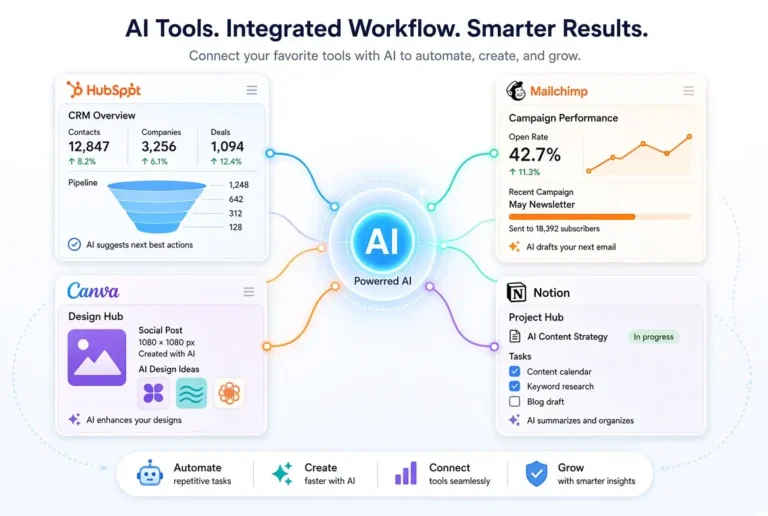
- ChatGPT or Claude → for writing captions and ideas
- Canva → for visuals and carousels
- Native scheduler or a simple tool like Publer / Meta Business Suite → for posting
Best All-in-One Option:
- Predis.ai (if you prefer fewer tools and don’t mind a learning curve)
Best for LinkedIn-Focused Marketers:
- Claude + Canva
Practical Workflow Using AI for Social Media Management
Step-by-step workflow on how to use AI for social media management.
- Content Ideation
Generate 10–20 content ideas with AI
- Captioning
Turn the best ideas into platform-specific captions
- Canva Visuals
Create visuals in Canva
- Scheduling
Schedule posts
- Human Interaction
Engage manually (AI should not replace real interaction)
This workflow significantly reduces content creation time while keeping quality high.
Ready-to-Use Prompt Examples
Content Ideas Prompt:
Act as a social media strategist. Generate 15 post ideas for [platform] aimed at [target audience].
Focus on helpful, engaging, and authentic content. Include a mix of educational, storytelling, and promotional ideas.
Caption Prompt:
Write 5 engaging [Instagram/LinkedIn/Facebook] captions about [topic].
Tone: [friendly / professional / conversational].
Include a clear hook in the first line and a call-to-action at the end.
Keep them natural and not salesy.
Common Mistakes to Avoid with AI for Social Media Management
- Posting AI content without editing for brand voice
- Using the same caption across every platform
- Relying only on AI and stopping original thinking
- Ignoring analytics and audience feedback
- Over-automating engagement
Final Thoughts
AI will not run your social media accounts for you, but it can remove a large portion of the content creation burden. Non-technical marketers who combine a strong writing tool (like ChatGPT or Claude) with a simple design tool (like Canva) usually see the best results.
Start with one writing tool and one visual tool this week. Use them for your next batch of posts and measure how much time you save. Most marketers are surprised by how much faster the process becomes.
For the full overview of AI marketing tools, see the main pillar guide:
Best AI Tools for Marketing in 2026 for Non-Technical Marketers
Related articles:
Frequently Asked Questions
No. AI is excellent for content creation and ideation, but strategy, community engagement, and brand judgment still require a human.
ChatGPT Free and Claude Free currently offer the strongest writing quality for captions.
Canva is excellent for visuals and basic captions, but pairing it with ChatGPT or Claude produces better writing results.
Not necessarily. Many marketers successfully use free native schedulers (Meta Business Suite, LinkedIn, etc.) combined with AI writing tools.
Not if they are edited to sound authentic and provide real value. Poorly edited, generic AI content can underperform.