Free Tools for Budgeting and Forecasting with AI (2026 Guide)
One of the most common objections I hear from non-technical professionals is: “I want better budgeting and forecasting, but I don’t want another expensive subscription.”
The good news is that you can make meaningful progress with free AI tools for budgeting and forecasting. In fact, many of the most effective systems I have seen small teams and individuals implement started entirely on free plans.
This guide covers the best free tools for budgeting and forecasting with AI (based on practical use rather than marketing claims), and includes copy-paste prompts you can use immediately. It also includes the limitations you should expect and how to combine tools into a simple, working system.
The Real Burden of Manual Budgeting and Forecasting
Finance teams still spend a significant amount of time on manual work. Research has shown that a large share of FP&A effort goes into data gathering, consolidation, error-checking, and version management rather than analysis. In some studies, finance professionals report that manual processes consume many hours each week, limiting time available for higher-value work.
At the same time, AI adoption in finance is rising. Recent surveys indicate that roughly 56–59% of finance leaders now use AI-powered tools in their work, although maturity varies widely and many teams are still in early stages.
Where AI is applied well, reported benefits include faster planning cycles and improved forecast accuracy (with some organizations citing gains in the 15–30% range for accuracy and 30–40% reductions in planning cycle time).
What Free Tools Can Realistically Deliver
From hands-on testing and user feedback, free AI tools are strong enough to help you:
- Build budget structures quickly
- Create first-draft forecasts
- Analyze spending or historical patterns
- Run simple scenario comparisons
- Improve clarity and organization
They are usually weaker when you need:
- Advanced automation
- High-volume usage
- Team collaboration features
- Deep integrations with accounting systems
For many solo professionals and small businesses, free tools are more than enough to start, and sometimes enough to stay with.
Best Free Tools for Budgeting and Forecasting with AI
1. ChatGPT (Free Tier)
Best for
Budget creation, forecast templates, scenario analysis, and variance reviews
Strengths
- Excellent at turning rough numbers into clean structures
- Strong for “what if” analysis
- Easy to iterate with follow-up questions
Limitations
- Usage caps
- No native connection to your accounting data
Practical use
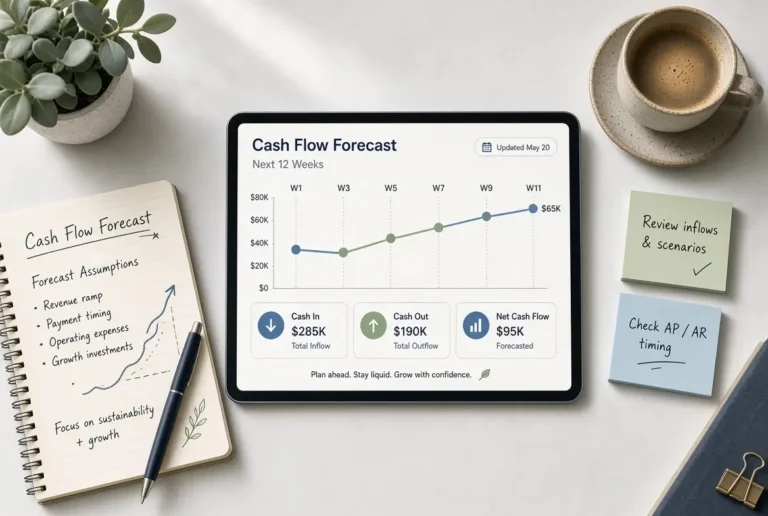
Create budgets, 13-week cash flow templates, and rolling forecast structures.
2. Claude (Free Tier)
Best for
Clear financial writing, structured forecasts, and careful analysis
Strengths
- Produces clean, readable financial summaries
- Handles longer context well
- Often more disciplined in organizing numbers
Limitations
- Message limits on the free plan
Practical use
Reviewing forecasts, summarizing assumptions, and improving clarity for stakeholders.
3. Gemini (Free)
Best for
Users already in Google Workspace
Strengths
- Convenient with Google Sheets and Docs
- Useful for drafting and light analysis
Limitations
- Output quality can vary more than ChatGPT or Claude for financial structuring
Practical use
Quick drafts and spreadsheet-adjacent workflows.
4. Google Sheets or Excel (Free Versions)
Best for
The system of record
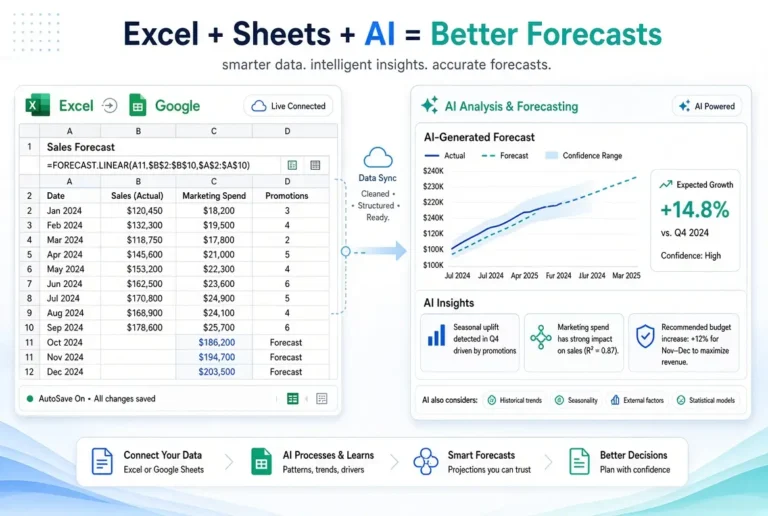
This is still the most important tool in the stack. AI can help generate structure and insights, but your living budget and forecast should sit in a spreadsheet you control.
In fact, spreadsheets remain the backbone of most financial planning. A 2025 survey of finance leaders found that around 96% of FP&A teams still use spreadsheets for planning. AI works best as a layer on top of this familiar foundation rather than a full replacement.
Why it matters
Free AI tools do not replace a transparent, updateable model. They enhance it.
5. Microsoft Designer / Free Image and Document Helpers (Optional)
Useful if you need clean visuals for presenting budget or forecast summaries, though not core to the forecasting process itself.
6. Built-in AI Features in Free Accounting or Banking Tools
Some platforms offer limited AI-assisted categorization or insights on free plans. These can help with transaction organization, but they rarely replace a proper forecast.
A Practical Free Stack That Works
The most reliable free setup I recommend:
- ChatGPT or Claude (Free) for analysis, templates, and scenario work
- Google Sheets as the living budget/forecast
- Your existing bank or accounting export for actuals
This combination is simple, flexible, and surprisingly powerful.
Ready-to-Use Prompts for Free AI Tools
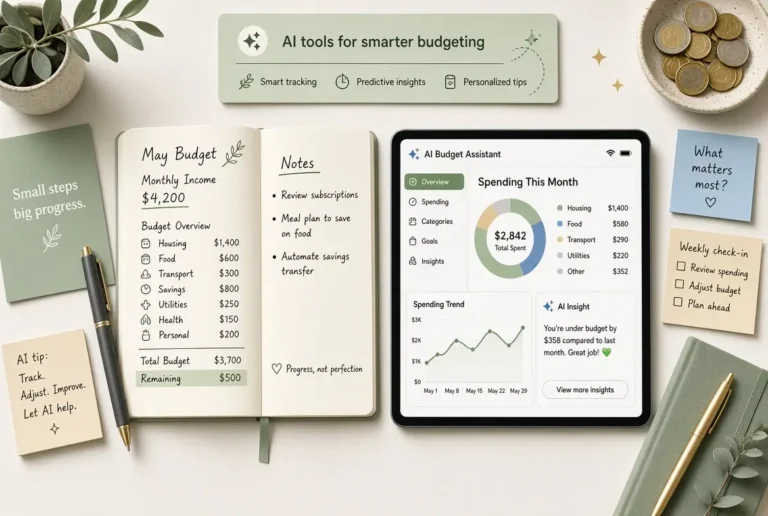
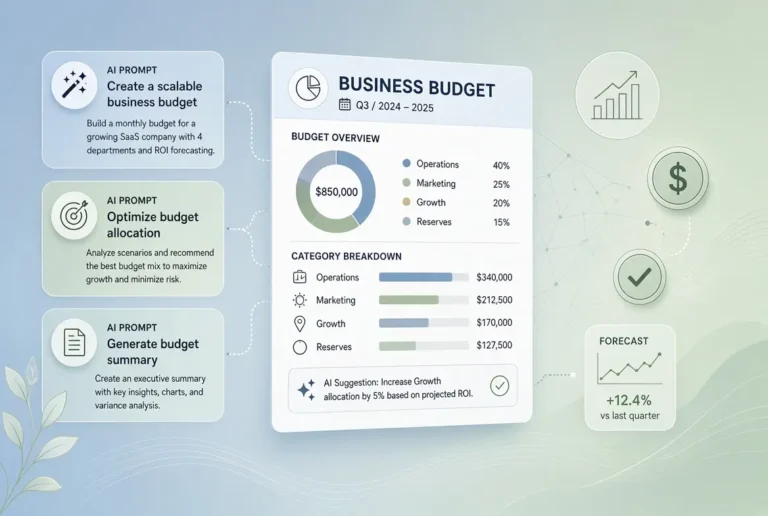
1. Create a Simple Business Budget
Act as a practical financial assistant. Create a clear monthly business budget for a [type of business].

Monthly revenue goal: [amount]
Main expense categories: [list known expenses]
Number of people involved: [number]

Structure it with:
- Revenue
- Fixed costs
- Variable costs
- Payroll / contractor costs
- Tools and software
- Marketing
- Contingency
- Estimated surplus or deficit

Keep the language simple and make it easy to copy into a spreadsheet.
2. Build a 13-Week Cash Flow Forecast
Create a simple 13-week cash flow forecast template for a [type of business].

Starting cash balance: [amount]
Expected weekly inflows: [range or description]
Major regular outflows: [list]
Any known large one-off payments: [list]

Show columns for:
- Week number
- Opening balance
- Inflows
- Outflows
- Closing balance
- Notes

Keep it clean and easy to update every week.
3. Turn Rough Numbers into a Clean Budget
I will give you rough financial figures. Turn them into a clean, organized budget.

Here is the information:
[Paste your revenue, expenses, salaries, rent, tools, etc.]

Organize everything into logical categories.
Flag anything that looks incomplete or unusually high/low.
Do not invent numbers I have not provided.
Present it in a format I can paste into Google Sheets or Excel.
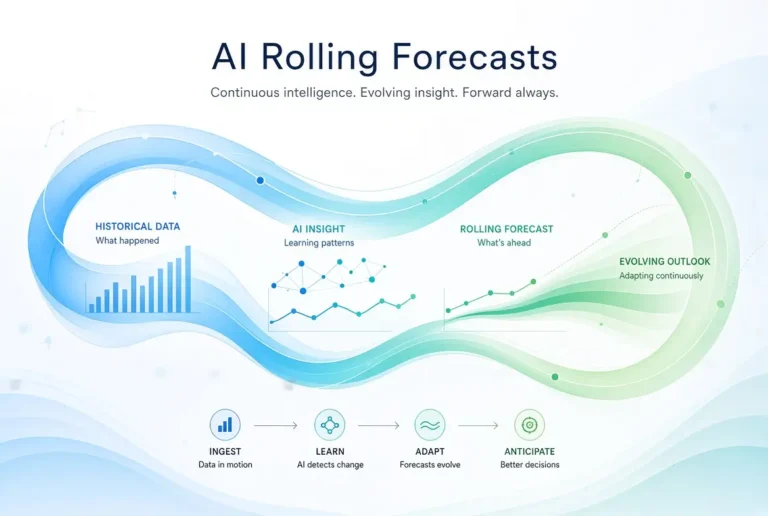
4. Create a Rolling 12-Month Forecast
Create a clean 12-month rolling forecast template for a [type of business].

Include:
- Revenue
- Cost of goods / direct costs (if relevant)
- Operating expenses by category
- Operating income
- A notes section for key assumptions

Make the layout simple so I can update it every month by shifting the periods forward.
5. Analyze Forecast vs Actual Results
Compare my forecast with the actual results and explain the differences clearly.

Forecast:
[Paste]

Actual results:
[Paste]

Identify:
- The biggest over- and under-estimations
- Possible reasons for the differences
- What I should adjust in the next forecast
Explain everything in simple language.
6. Run a Quick Scenario Analysis
Using this base forecast, create three scenarios:

1. Base case (unchanged)
2. Optimistic (revenue 15% higher)
3. Conservative (revenue 15% lower or delayed collections)

Base forecast:
[Paste]

For each scenario, show the impact on cash position and highlight any weeks or months that look risky.
7. Improve an Existing Budget or Forecast
Review and improve this budget/forecast.

Make the structure clearer, improve category names if needed, and suggest any missing common items for a [type of business].
Do not change the numbers unless they appear inconsistent — instead leave comments or recommendations.

Here is the current version:
[Paste]
8. Explain the Forecast in Plain Language
Explain this financial forecast in simple language as if you are presenting it to a non-financial stakeholder.

Highlight:
- The overall outlook
- Key risks
- Key assumptions
- What decisions this forecast supports

Forecast:
[Paste]
How to Use These Prompts Effectively
- Choose one free AI tool (ChatGPT or Claude work especially well).
- Copy the prompt and replace the bracketed sections with your details.
- Generate the output.
- Move the result into Google Sheets or Excel.
- Replace any estimated numbers with your real data.
- Save good prompts so you can reuse them.
Recommended Free Workflow
- Use AI to generate the structure and first draft.
- Paste it into Google Sheets or Excel.
- Update the spreadsheet with real numbers.
- Return to AI when you need analysis, variance review, or scenario comparisons.
This keeps you in control while still getting the speed benefits of AI.
Expert Insight: Free Tools Fail When People Expect Them to “Just Know” the Business
A recurring pattern I have seen: users paste a few numbers into a free AI tool, receive a polished forecast, and then feel disappointed when reality differs.
The issue is not that the free tool is weak. The issue is that the tool was not given enough context or regularly updated with actual results. Free or paid, AI performs best when it is part of a feedback loop, not a one-time generator.
The Non-Tech AI Case Study
A freelance consultant I advised wanted a cash flow forecast but refused to pay for new software. We used Claude free to build a 13-week cash flow structure, moved it into Google Sheets, and updated it weekly with actual invoices and expenses.
Within a month, she could see a likely shortfall two weeks before it would have become urgent. She delayed a non-essential purchase and followed up on overdue invoices earlier than usual. No paid tool was required. nly consistency and a clear process.
Our Recommended Free Tools for Budgeting and Forecasting with AI
- ChatGPT (Free) – Strong all-rounder for budgets, forecasts, and analysis
- Claude (Free) – Excellent for clear structure and careful financial writing
- Gemini (Free) – Convenient if you already use Google Workspace
- Google Sheets / Excel – Your system of record
How to Get Better Results from Free AI Tools
- Provide clear business context (type of work, payment terms, fixed costs)
- Separate confirmed numbers from estimates
- Always move outputs into a spreadsheet
- Compare forecast versus actual every month
- Keep prompts and templates reusable
When Free Tools Stop Being Enough
Consider upgrading when:
- You regularly hit usage limits
- You need shared access across a team
- You want tighter integrations with accounting software
- Your process becomes complex enough that manual updates are slowing you down
Until then, free tools for budgeting and forecasting remain a rational choice.
Mistakes to Avoid with Free Tools for Budgeting and Forecasting
- Relying on AI outputs without verifying numbers
- Creating forecasts and never updating them
- Using too many free tools at once
- Pasting sensitive financial details into public tools without caution
- Expecting free AI to replace basic bookkeeping
How This Fits Into Your Personal Workflow
Free tools are often the best way to start building better budgeting and forecasting habits. Once the process is working, you can decide whether paid upgrades are justified.
For the complete system, see the main pillar guide:
AI Tools for Forecasting and Cash Flow Management
Related articles:
- Use AI to Create Business Budgets
- Use AI to Forecast Cash Flows
- Use AI for Rolling Forecasts
- Improve My Forecast Accuracy with AI
Final Thoughts
You do not need a large software budget to improve budgeting and forecasting. What you need is a simple system, reliable data, and consistent review.
Start with one free AI tool and a spreadsheet this week. Build a basic budget or 13-week cash flow view, then update it with real numbers. The professionals who get value from AI are rarely the ones with the most tools. They are the ones who use a small set of tools consistently.
Frequently Asked Questions
Yes for many individuals and small businesses, especially when combined with a spreadsheet and regular updates.
ChatGPT and Claude are currently the strongest general-purpose options for budgeting and forecasting support.
Yes. Many people successfully maintain rolling forecasts using free AI tools plus Google Sheets or Excel.
Use caution. Avoid sharing sensitive account details and full unredacted statements. Summarized data is often sufficient.
When free limits regularly block your work, or when team collaboration and integrations become necessary.