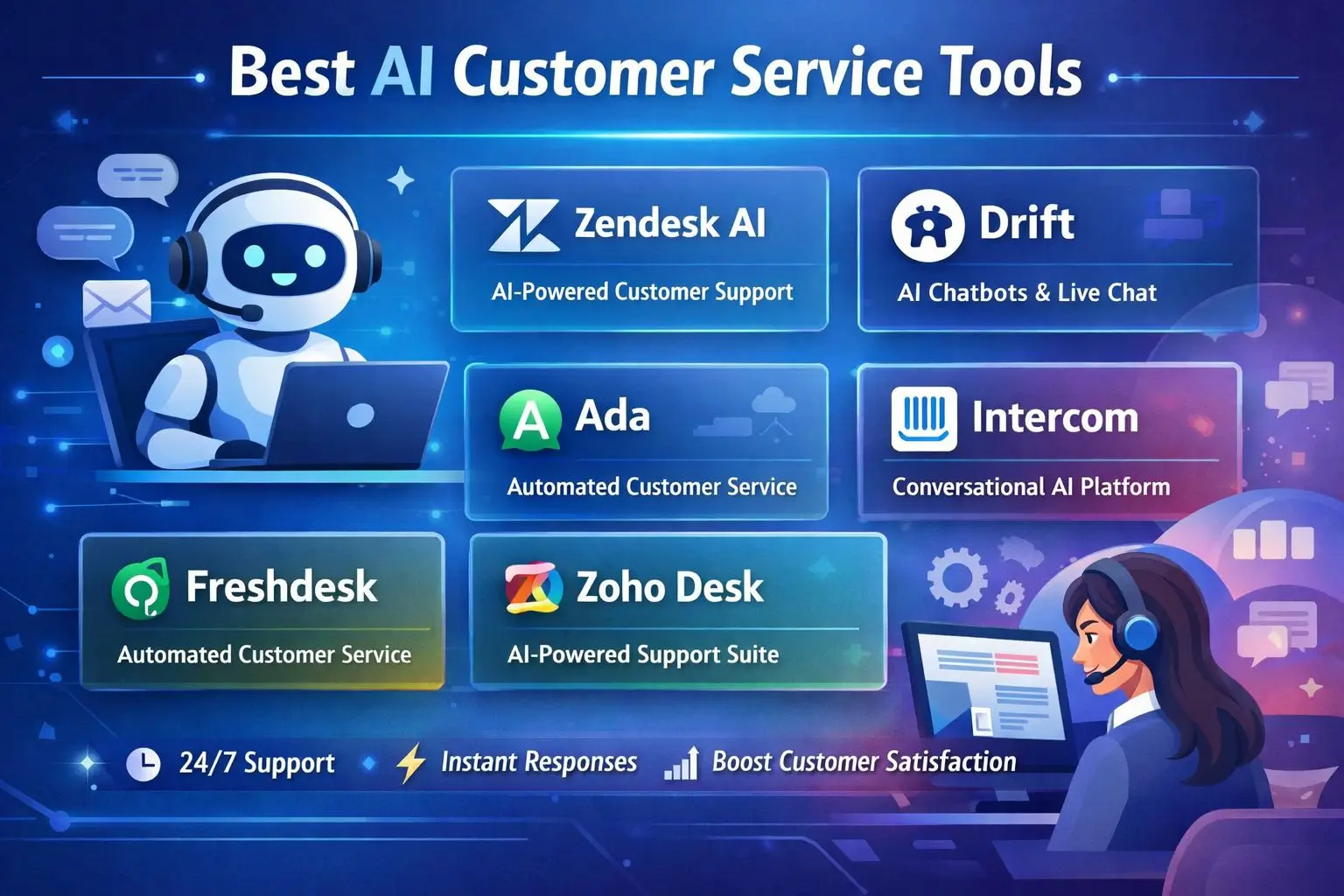
The best AI customer service tools now handle over 80% of routine support tickets without a human ever touching them, and the gap between basic chatbots and true 24/7 assistants has never been wider.
If you have ever waited on hold for twenty minutes just to ask a simple question about your order status, you already know why businesses are racing to fix this. Customers expect answers fast, and they do not care if it is 3 AM on a Sunday. That expectation gap is exactly what modern AI customer service tools were built to close, and getting the right one in place can transform how your team spends its day. I write about this shift often over at The Non Tech AI, where the goal is helping everyday business owners understand these tools without needing a computer science degree.
Article-at-a-Glance: Key Takeaways
- AI customer service tools like Zendesk AI, Intercom Fin, and Freshdesk Freddy now resolve the majority of tier-one support tickets automatically, freeing human agents for complex cases.
- Pricing ranges widely, from free starter plans to enterprise contracts running several thousand dollars monthly, depending on ticket volume and features.
- The best tool for your business depends heavily on your existing tech stack, not just which platform has the flashiest AI model.
- Resources like The Non Tech AI break down which tools actually make sense for non-technical teams, without the jargon.
- Later in this guide, you will see exactly how to roll out AI support in four steps without disrupting the team you already have, and the specific mistakes that make bots feel robotic instead of helpful.
What 24/7 AI Support Actually Solves for Your Business
Round-the-clock availability sounds nice in theory, but the real problem it solves is simpler: response time kills or saves customer trust. A 2026 Zendesk CX Trends report found that 72% of customers expect immediate service, and immediate does not pause for time zones or holidays.
Beyond speed, AI support tools solve a staffing math problem. Hiring enough agents to cover nights, weekends, and surges during product launches is expensive and often impractical for small teams. An AI layer absorbs the repetitive questions, like order tracking or password resets, so your human staff only steps in when judgment or empathy actually matters.
There is also a consistency benefit that gets overlooked. Human agents have off days, get tired, or phrase things differently depending on mood. A well-trained AI tool answers the same question the same accurate way every single time, which matters a lot when you are trying to protect your brand voice across thousands of interactions.
None of this means AI replaces your support team entirely. It means the tool handles volume so your people can handle nuance. That distinction shapes everything else in this guide.
| Business Need | How AI Support Addresses It |
|---|---|
| Instant responses at odd hours | Chatbot resolves FAQs without waiting for staff shifts |
| High ticket volume during sales events | AI deflects repetitive tickets, reducing queue backlog |
| Consistent brand voice | AI follows trained scripts and tone guidelines every time |
| Agent burnout from repetitive questions | AI handles tier-one issues, humans focus on complex cases |
Top AI Customer Service Tools Worth Your Money
Not every tool on the market deserves a spot on this list. The ones below made the cut because they combine genuine language understanding with practical integrations, not just marketing buzzwords about “AI-powered” features.
Zendesk AI for Enterprise-Level Automation
Zendesk AI sits inside the broader Zendesk Suite and leans heavily on intent detection to route tickets before a human ever sees them. It can summarize long conversation threads automatically, which saves agents from scrolling through pages of back-and-forth before responding.
Larger companies tend to favor Zendesk because it scales well past tens of thousands of monthly tickets without losing accuracy. The generative features also draft reply suggestions, which agents can edit rather than write from scratch.
The tradeoff is cost. Zendesk’s AI add-ons typically require their higher-tier plans, so smaller teams often find it overkill for their ticket volume.
Intercom Fin for Conversational Resolution
Intercom Fin is built specifically to resolve customer questions in a conversational back-and-forth, rather than just deflecting to an article link. According to Intercom’s own published data, Fin resolves roughly 50% of support volume on its own when properly trained on a company’s help center content.
Freshdesk Freddy AI for Small to Mid-Size Teams
Freddy AI, Freshdesk’s assistant, is a favorite among growing teams because it bundles sentiment analysis with automated ticket tagging. It flags frustrated customers early, so a human agent can jump in before the situation escalates. Pricing sits more accessibly than Zendesk, making it a common first AI tool for companies under 50 employees.
Salesforce Einstein for CRM-Integrated Support
Einstein’s biggest advantage is context. Because it lives inside Salesforce, it pulls customer purchase history, past support interactions, and even sales data into every conversation it handles. That means a customer asking about a return does not have to repeat their order number, since Einstein already has it pulled up.
This tool makes the most sense for companies already running their sales and support through Salesforce. Bolting it onto a different CRM defeats the purpose and adds unnecessary complexity.
Setup does require more technical lift than standalone chat tools, so smaller teams without a dedicated admin may find onboarding slower than expected.
Tidio for Budget-Friendly Live Chat Automation
Tidio earns its spot for solopreneurs and small ecommerce shops that need something functional without enterprise pricing. Its Lyro AI chatbot handles basic product questions and shipping inquiries, and the free tier covers a surprising amount of ground for businesses just getting started with automation.
It will not match the depth of Zendesk or Intercom on complex ticket routing, but for straightforward storefronts, it gets the job done without draining the budget.
Gorgias for Ecommerce-Specific Support
Gorgias was built with online stores in mind, and it shows. The platform integrates tightly with Shopify, BigCommerce, and Magento, pulling order details directly into the support conversation.
Stores using Gorgias commonly report faster resolution on common requests like order cancellations and refund status, since the AI can see and act on order data without an agent switching tabs. For any brand running a storefront as its primary sales channel, Gorgias tends to outperform general-purpose tools on these specific tasks.
Features That Separate a Good Tool From a Great One
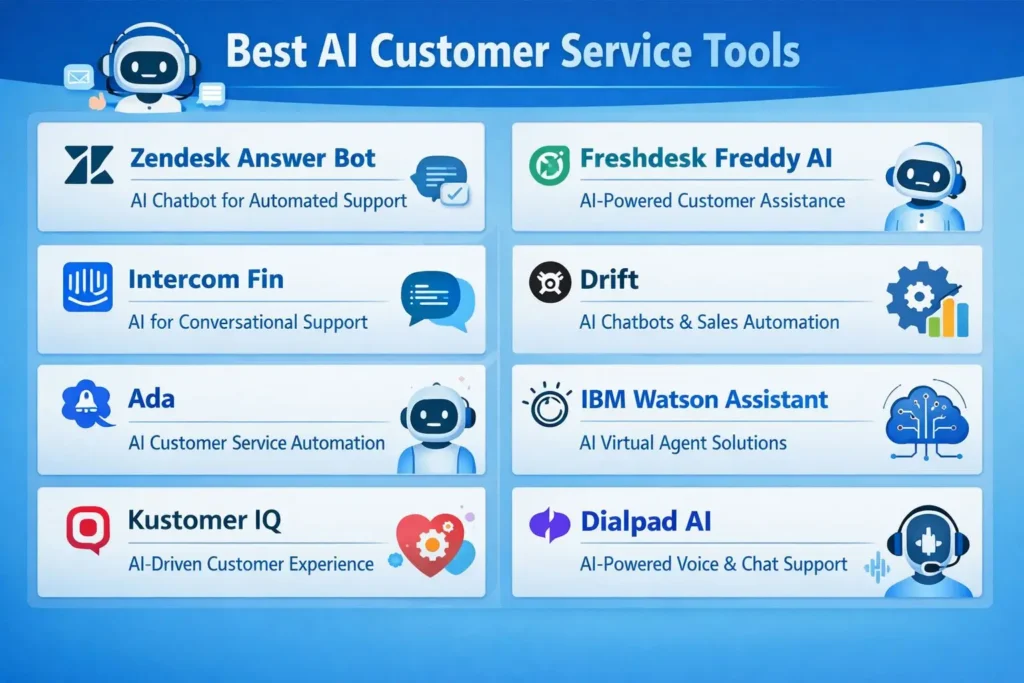
Plenty of modern business platforms claim to offer “AI customer service,” but the feature set underneath varies wildly. Here is what actually separates the tools worth paying for from the ones that just rebrand old chatbot technology.
Natural Language Understanding Accuracy
This is the single biggest differentiator. A tool with strong natural language understanding can tell the difference between “I want to cancel my order” and “how do I cancel my order,” responding appropriately to each rather than triggering the same generic script. Weaker tools misfire on phrasing variations constantly, which frustrates customers fast and often sends them straight to a human anyway, defeating the entire purpose of automation.
Omnichannel Integration Across Email, Chat, and Social
Customers do not stick to one channel anymore. Someone might message a brand on Instagram, email a follow-up question, then switch to live chat when they want a faster answer. A great AI tool tracks that entire conversation history across channels so the customer never has to repeat themselves, no matter where they pick the conversation back up.
Tools like Zendesk AI and Intercom Fin handle this well because they centralize every channel into one dashboard. Weaker platforms treat each channel as a separate silo, which means an agent has no idea a customer already asked the same question over email an hour earlier. That disconnect is one of the fastest ways to make a customer feel like just a number.
Seamless Handoff to Human Agents
The moment an AI tool hits its limit, the handoff to a human needs to feel instant and informed. A clunky transition, where the customer has to explain their issue all over again to a live agent, undoes any goodwill the automation built up. The best tools pass along the full chat transcript, detected sentiment, and even a suggested next step to the human agent picking up the thread.
Custom Training on Your Own Knowledge Base
Generic AI responses sound generic because they are trained on generic data. The tools that perform best let you upload your own help center articles, past resolved tickets, and product documentation so the AI actually speaks your company’s language. Intercom Fin, for example, pulls directly from a business’s existing help center to generate answers, rather than relying purely on a general-purpose language model guessing at the right response.
Pricing Breakdown for Popular AI Customer Service Platforms
Budget is usually the deciding factor once a business narrows down its shortlist, so here is a general sense of where these platforms land. Exact pricing shifts based on ticket volume, seat count, and add-ons, so treat this as a starting reference rather than a locked-in quote.
| Tool | Starting Price Range | Best Fit |
|---|---|---|
| Tidio | Free to ~$29/month | Solopreneurs, small ecommerce |
| Freshdesk Freddy AI | ~$15 to $79/agent/month | Small to mid-size teams |
| Gorgias | ~$10 to $750+/month | Ecommerce stores |
| Intercom Fin | Usage-based, often $0.99 per resolution | Mid-size to growing SaaS companies |
| Zendesk AI | Add-on pricing on higher-tier plans | Enterprise support teams |
| Salesforce Einstein | Bundled into Salesforce Service Cloud pricing | Companies already on Salesforce |
4 Steps to Roll Out AI Support Without Disrupting Your Team
Rolling out a new AI tool overnight is how support teams end up with angry customers and confused agents. A phased approach protects the customer experience while still moving quickly enough to see results within weeks, not months.
Here is the order that tends to work best based on how most successful rollouts actually happen.
1. Audit Your Current Ticket Volume and Common Questions
Pull the last 90 days of support tickets and sort them by category. Most businesses find that 60 to 70% of tickets fall into just five or six repeat categories, like order status, refund requests, or password resets.
This audit tells you exactly what the AI needs to learn first. Without it, teams waste time training a bot on edge cases while the bread-and-butter questions, the ones eating up most of an agent’s day, go unaddressed.
Spreadsheet exports from your current helpdesk usually have this data already. Most platforms, including Zendesk and Freshdesk, let you filter tickets by tag or category directly from the reporting dashboard.
If you do not currently use a helpdesk at all, even a manual scan of your last 100 support emails will reveal clear patterns fast.
Once you know the top categories, you have a ready-made training list for whichever tool you choose next.
2. Pick a Tool That Fits Your Existing Tech Stack
The flashiest AI model means nothing if it does not talk to your CRM, your ecommerce platform, or your existing helpdesk software. Before signing any contract, confirm native integrations with the collaborative project tools your team already relies on daily.
A business running Shopify should lean toward Gorgias. A team already living inside Salesforce gains far more value from Einstein than from bolting on an unrelated platform. Fit matters more than feature count.
3. Feed the AI Your Help Docs and Past Tickets
This step is where most of the “training” actually happens, and it is far less technical than it sounds. Most platforms simply ask you to upload a folder of help articles or connect your existing knowledge base, then the AI indexes that content automatically.
Past resolved tickets matter just as much as formal documentation. They show the AI how your team actually phrases answers, not just the polished version written for a help center article. According to Intercom’s own onboarding guidance, businesses that upload at least 30 to 50 help articles see noticeably higher first-resolution rates than those starting with a thin knowledge base.
4. Run a Small Pilot Before Full Launch
Turning the AI on for 100% of incoming tickets on day one is risky. A smarter approach limits the bot to a single channel, like live chat, or a single ticket category, like shipping questions, for the first two to three weeks.
Watch the resolution rate and customer satisfaction scores closely during this window. If something is misfiring, a small pilot means the damage is contained to a narrow slice of interactions rather than your entire support operation.
Mistakes That Make AI Support Feel Robotic
Even strong AI tools can feel cold and frustrating when implemented poorly. Most of the complaints customers voice about chatbots trace back to a handful of avoidable setup mistakes, not the underlying technology itself.
Skipping the Training Phase
Businesses eager to launch fast sometimes turn on an AI tool using only its default, out-of-the-box responses. The result is a bot that sounds like it belongs to any other company, because it technically does. Customers notice immediately when answers feel generic or slightly off from how your brand normally communicates.
The fix is simple but requires patience: invest the time in step three above before ever exposing the tool to real customers. A properly trained AI assistant should be nearly indistinguishable from a well-briefed new hire reading from your actual playbook.
A Freshworks case study on Freddy AI implementation found that companies skipping the customization phase saw a 20 to 30% lower resolution rate compared to businesses that invested one to two weeks in training before launch.
That gap compounds quickly. Lower resolution rates mean more tickets escalate to human agents anyway, which erases the time savings the AI was supposed to provide in the first place.
Leaving No Easy Exit to a Human Agent
Nothing frustrates a customer faster than feeling trapped in a loop with a bot that cannot solve their problem and will not let them escape to a real person. If there is no visible “talk to a human” option, or if that option is buried three menus deep, customers abandon the conversation entirely, often taking their frustration to a public review or social media post instead.
Every reputable AI support tool on the market today includes some form of escalation trigger, whether that is a customer typing “agent” or the AI detecting repeated negative sentiment. Make sure this feature is turned on and tested before launch, not left as an afterthought buried in settings.
AI Agents vs Human Agents: Where Each One Wins
AI wins decisively on speed, availability, and consistency. It never sleeps, never gets short with a customer after a long shift, and can pull account details in milliseconds rather than minutes. For transactional questions like order status, billing lookups, or password resets, AI consistently outperforms a human on raw efficiency.
Humans still win when a situation calls for judgment, empathy, or creative problem-solving outside a predefined script. A customer dealing with a damaged product and genuine frustration usually wants to feel heard by a person, not routed through another automated flow. Complex technical issues that require troubleshooting several interconnected variables also tend to need a human who can think flexibly rather than follow a decision tree.
The smartest support operations do not pick one side. They let AI absorb the repetitive volume and free up human agents to spend more time on the conversations that actually require a human touch.
Small Business Owners Can Compete With Bigger Brands Using AI
One of the most overlooked advantages of these tools is how much they level the playing field. A five-person company using Tidio or Freshdesk Freddy can offer the same instant, 24/7 response time that a 500-person call center provides, without hiring a single overnight shift worker.
This matters more than it might seem on the surface. Customers increasingly judge a brand’s reliability by how fast it responds, not by how many employees sit behind the scenes. A small business that answers a midnight question about shipping just as fast as a major retailer builds the same trust, often at a fraction of the labor cost.
The Bottom Line on Choosing Your First AI Support Tool
There is no single “best” tool across every business, despite what plenty of marketing pages claim. The right choice depends on your ticket volume, your existing software, and how complex your typical customer question tends to be.
Start small. Pick a tool that fits your current tech stack, train it properly on your actual support history, and run a limited pilot before rolling it out company-wide. The businesses that get the most value from AI customer service tools are rarely the ones chasing the newest feature release. They are the ones that implement thoughtfully and keep a clear path to a human agent when the AI hits its limit.
Get those fundamentals right, and 24/7 support stops being a lofty goal and becomes something your business actually delivers, day one.
| Quick Decision Guide | Recommended Tool |
|---|---|
| Running a Shopify store | Gorgias |
| Already using Salesforce | Salesforce Einstein |
| Small team, tight budget | Tidio |
| Mid-size team wanting a balance | Freshdesk Freddy AI |
| Need deep conversational resolution | Intercom Fin |
| Enterprise-level ticket volume | Zendesk AI |
Frequently Asked Questions
Can AI customer service tools fully replace human agents?
No, AI tools handle repetitive, high-volume questions well, but they still struggle with complex emotional situations or unusual edge cases that require human judgment. The most effective support setups combine AI for speed with human agents for nuance, rather than replacing one with the other entirely.
How long does it take to set up an AI support tool?
Basic setup for tools like Tidio can take just a few hours, while enterprise platforms like Zendesk AI or Salesforce Einstein often take two to four weeks when you include proper training on your help docs and a pilot run. Rushing this timeline usually leads to a lower resolution rate once the tool goes live.
Do AI chatbots work well for small businesses with limited budgets?
Yes, tools like Tidio offer free or low-cost tiers that still handle common questions like shipping timelines or product availability effectively. Small businesses do not need enterprise pricing to see meaningful time savings from automation.
What happens when the AI cannot answer a customer’s question?
A properly configured tool detects when it has reached its limit and hands the conversation off to a human agent, ideally along with the full chat history so the customer does not have to repeat themselves. If this handoff is missing or clunky, it is one of the fastest ways to frustrate a customer.
Are AI customer service tools secure for handling sensitive data?
Most reputable platforms, including Zendesk and Salesforce, maintain SOC 2 compliance and encrypt customer data both in transit and at rest. Still, it is worth confirming a vendor’s specific security certifications before connecting sensitive systems like payment or account information, since standards can vary between providers.
Choosing the right AI customer service tool comes down to matching the platform to your actual ticket patterns, not chasing the newest feature on the market. For readers who want ongoing, plain-English breakdowns of which AI tools genuinely help non-technical business owners, The Non Tech AI continues to track and explain these platforms as they evolve.