Key Takeaways
- AI services like content writing, chatbot building, and prompt engineering are some of the fastest ways freelancers are earning money right now, often requiring zero coding background.
- Entry-level AI freelance gigs typically pay between $25 and $75 per hour, while specialized services like automation consulting can command $100 or more.
- Free tools for freelancers such as ChatGPT, Canva’s AI features, and Zapier’s basic plan let you start offering services before spending a dime on paid software.
- Platforms like The Non Tech AI are helping freelancers without technical backgrounds break into AI-powered work through practical, beginner-friendly guidance.
- The biggest mistakes new AI freelancers make involve pricing too low and overpromising results, and we’ll cover exactly how to avoid both later in this guide.
You don’t need a computer science degree to make money with AI this year, you just need to know which services clients are already paying for.
Freelancing has always rewarded people who spot a gap before everyone else does. Right now, that gap is AI. Businesses of every size want help using tools like ChatGPT, Midjourney, and automation platforms, but most don’t have the time or patience to figure it out themselves. That’s where you come in. AI guides for freelancers have been documenting exactly how non-technical freelancers are stepping into this space and landing paying clients within weeks, not years.
This guide breaks down the easiest AI services you can start selling today, how much to charge, and where to find clients who are already looking for what you offer. No fluff, no theory, just a practical roadmap based on what’s actually working for freelancers right now.
Why AI Services Are the Fastest Way to Freelance Profit Right Now
Here’s the thing most people miss about AI tools: they lower the skill barrier, not the income ceiling. A freelancer who knows how to prompt ChatGPT effectively or set up a simple Zapier automation can now offer services that used to require years of training. That shift has created a massive opening for people who move quickly.
According to McKinsey’s research on generative AI, the technology has the potential to add trillions of dollars in value across industries by automating tasks that previously required specialized labor. For freelancers, that means businesses are actively searching for people who can bridge the gap between powerful AI tools and practical business results. The demand exists. The question is whether you position yourself to capture it.
8 Most Profitable AI Services You Can Sell Today
Not every AI service is created equal when it comes to ease of entry and earning potential. Some require almost no learning curve, while others take a bit more practice but pay significantly more once you’ve built a portfolio. Here’s a breakdown of the eight services freelancers are having the most success with right now.
1. AI Content Writing and Editing
This is the easiest entry point for most freelancers because writing is already a familiar skill. Clients hire AI content writers to produce blog posts, product descriptions, email sequences, and social media captions using tools like ChatGPT or Jasper, then polish the output so it reads naturally. The trick isn’t just generating text, it’s editing it well enough that readers can’t tell AI touched it at all.
2. Chatbot Building and Customization
Small businesses want chatbots on their websites to answer customer questions, but most don’t know where to start. Freelancers who learn platforms like ManyChat or Tidio’s AI builder can set up a working chatbot in a single afternoon and charge a flat project fee. This service scales well because once you’ve built one for a dentist’s office, you can replicate the template for a dozen similar businesses.
3. Prompt Engineering for Businesses
Prompt engineering sounds technical, but it really just means knowing how to talk to AI tools so they give useful answers. Companies pay freelancers to create prompt libraries for customer service, marketing, and internal operations so their teams don’t waste hours trial-and-erroring their way to decent output.
| Service | Typical Client | Time to First Delivery |
|---|---|---|
| AI Content Writing | Small business owners, bloggers | 1 to 3 days |
| Chatbot Building | Local service businesses | 1 to 2 days |
| Prompt Engineering | Marketing and operations teams | 3 to 5 days |
4. AI Image and Graphic Design
Tools like Midjourney and Canva’s AI image generator have turned visual design into something almost anyone can offer. Freelancers are creating social media graphics, logo concepts, and marketing visuals in a fraction of the time traditional designers need, which means you can take on more clients without sacrificing quality.
5. AI Workflow Automation for Small Businesses
Small business owners drown in repetitive tasks like data entry, email follow-ups, and appointment scheduling. Freelancers who set up automations through Zapier or Make can save clients hours every week, and that time savings is easy to put a dollar value on when pitching your rate.
6. AI Data Analysis and Reporting
Businesses collect data constantly but rarely have time to make sense of it. Freelancers using tools like ChatGPT’s data analysis features or Julius AI can turn spreadsheets into clear reports and dashboards, translating numbers into decisions a non-technical client can actually act on.
7. AI Voice and Video Editing
Content creators and small businesses need polished video and audio but don’t want to pay traditional production rates. AI tools like Descript let freelancers edit podcasts, remove filler words, and even clone voices for consistent branding across episodes, all without touching complicated editing software.
8. AI Tool Training and Consulting
Some clients don’t want you to do the work, they want you to teach their team how to do it. Freelancers who package their AI knowledge into short training sessions or ongoing consulting retainers often earn the highest hourly rates on this list, because they’re selling expertise, not just output.
How Much You Can Charge for Each AI Service
Pricing AI services confuses a lot of new freelancers because the work feels faster than traditional freelancing, which makes some people assume they should charge less. That’s backwards. Clients are paying for the result, not the hours it took you to get there.
Rates vary widely depending on your experience, niche, and whether you’re charging hourly or per project. A beginner offering AI content writing might start around $25 to $40 per hour, while someone offering automation consulting with a proven track record can easily charge $100 or more per hour. The table below gives a realistic starting range for each service based on current freelance market trends.
| Service | Beginner Rate | Experienced Rate | Pricing Model |
|---|---|---|---|
| AI Content Writing | $25 to $40/hr | $50 to $75/hr | Hourly or per word |
| Chatbot Building | $150 to $300/project | $500 to $1,200/project | Flat project fee |
| Prompt Engineering | $30 to $50/hr | $75 to $120/hr | Hourly or retainer |
| AI Image/Design | $20 to $35/hr | $45 to $80/hr | Hourly or per image |
| Workflow Automation | $200 to $400/project | $800 to $2,000/project | Flat project fee |
| Data Analysis | $30 to $50/hr | $60 to $100/hr | Hourly |
| Voice/Video Editing | $25 to $45/hr | $50 to $90/hr | Hourly or per episode |
| Tool Training/Consulting | $50 to $75/hr | $100 to $200/hr | Hourly or retainer package |
Think of these numbers as a starting point, not a ceiling. Freelancers who niche down, such as focusing only on chatbot setup for dental practices or prompt libraries for e-commerce brands, tend to charge above these ranges because they’re solving a specific, well-defined problem instead of offering a generic service.
Tools That Make These Services Possible
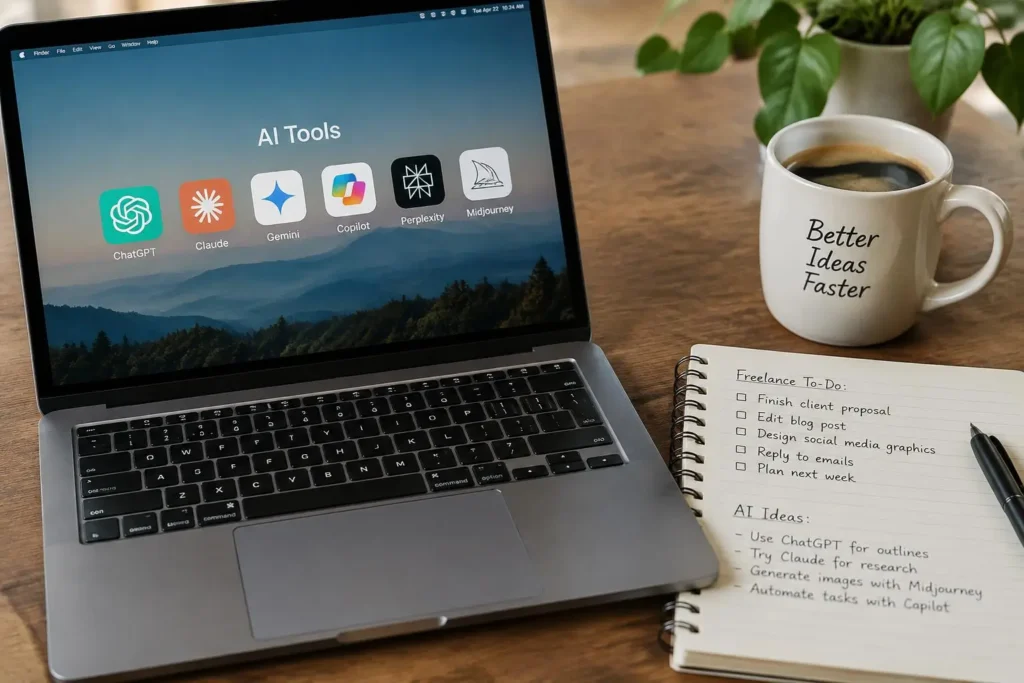
You don’t need a massive software budget to start offering AI services. Most freelancers begin with free tools, prove the concept with a few clients, then reinvest earnings into paid platforms that let them take on bigger projects or work faster.
Free AI Tools Worth Starting With
ChatGPT’s free version handles most content writing, prompt engineering, and basic data analysis tasks well enough to deliver real client value. Canva’s free plan includes AI-powered design features that cover simple graphic work, and Zapier’s free tier lets you build basic automations to test workflows before committing to a paid plan. These tools alone are enough to land your first three or four clients without spending a cent.
Paid Tools That Justify Higher Rates
Once you’re consistently booking work, paid tools start paying for themselves fast. Jasper and Copy.ai offer more advanced content generation features that speed up writing projects, while Midjourney’s subscription unlocks higher quality image outputs than free alternatives. Descript’s paid plans add advanced voice cloning and multi-track editing that justify charging premium rates for video and audio work, and Make’s paid tiers remove the task limits that cap what you can automate for clients on the free version.
The jump from free to paid tools usually happens naturally. You’ll notice it when a client asks for something slightly more complex than what your current software can handle, or when you’re spending too much time working around a free plan’s limitations. That’s your signal to upgrade, not before.
Most freelancers find that investing $20 to $50 a month in the right paid tool pays for itself within the first project or two, especially once you’re charging rates that reflect the quality upgrade.
Skills You Need Before You Pitch Your First Client
AI tools do the heavy lifting, but they’re only as good as the person operating them. Two skills separate freelancers who land repeat clients from those who struggle to get a second project: writing effective prompts and understanding basic automation logic.
Learning to Write Effective Prompts
Vague prompts produce vague results, and clients notice immediately. The difference between “write a blog post about coffee” and a detailed prompt specifying tone, audience, word count, and key points is the difference between amateur output and something a client actually wants to pay for. Spend time practicing with real client scenarios before you pitch anyone, because your first impression often depends entirely on output quality.
A good habit is keeping a personal prompt library organized by task type, like content writing, data summarization, or customer service responses. OpenAI’s own prompt engineering guide breaks down techniques like giving the model a role, providing examples, and specifying format, all of which make a noticeable difference in output quality.
Understanding Basic No-Code Automation
You don’t need to code, but you do need to understand how triggers and actions work in platforms like Zapier or Make. A trigger is the event that starts an automation, like a new form submission, and the action is what happens next, like sending an email or updating a spreadsheet. Once you grasp that basic logic, you can build almost any automation a small business client asks for.
Spend an afternoon building a few practice automations for your own use, like automatically saving email attachments to a folder or sending yourself a reminder when a client fills out a contact form. These small projects teach you the platform’s logic without the pressure of a paying client watching.
Where to Find Clients Who Pay for AI Services
Having the skills means nothing if you can’t find people willing to pay for them. The good news is that AI services are in high enough demand right now that you have several solid channels to choose from, and you don’t need a massive following to start booking work.
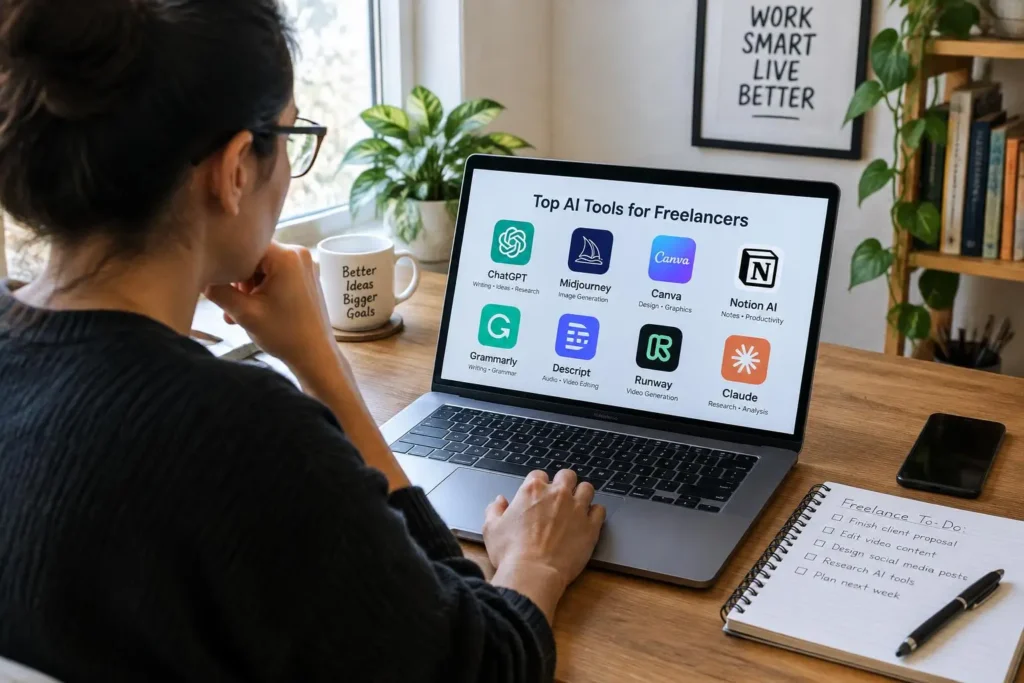
Most freelancers find success combining one marketplace platform with direct outreach, rather than relying on just one method. This gives you inbound leads from people actively searching for help while also letting you proactively target businesses that haven’t thought to look for an AI freelancer yet.
Freelance Marketplaces That Work Best
Upwork and Fiverr both have dedicated categories for AI-related gigs, and clients browsing these platforms are often already sold on the idea of hiring help, they just need to find the right person. Creating a specific, narrow gig listing, like “I’ll build a custom ChatGPT prompt library for your customer service team,” tends to outperform broad, generic listings because it signals expertise rather than a general offer.
Cold Outreach Scripts That Get Replies
Cold outreach works especially well for AI services because most small business owners haven’t been pitched this specifically before. A short, direct message explaining a problem you noticed and how you’d fix it tends to get far better response rates than a generic “I offer AI services” pitch.
Here’s a simple structure that’s been working for freelancers reaching out cold: open with something specific you noticed about their business, connect it to a problem AI can solve, then offer a small, low-risk way to test your service. For example: “I noticed your website doesn’t have a chatbot handling after-hours questions. I build custom chatbots for local businesses like yours, usually ready within 48 hours. Want me to put together a quick mockup for free so you can see how it would work?”
Building a Portfolio With Zero Past Clients
No past clients doesn’t mean no portfolio. Create sample projects for a fictional or local business, like building a chatbot mockup for a nearby coffee shop or writing a week’s worth of social media content for a made-up fitness brand. These samples demonstrate your skills just as effectively as real client work when you’re just starting out, and they give you something concrete to show during outreach or on a marketplace profile.
Mistakes That Cost Freelancers Money and Trust
Even talented freelancers lose clients and income over avoidable mistakes. Most of these errors come from rushing to land a client without thinking through the long-term impact of how you price, promise, and protect your work.
The good news is that every mistake on this list is completely preventable once you know what to watch for, which is exactly what the next section breaks down in detail.
Underpricing Your First Few Projects
New freelancers almost always underprice, usually out of fear that no one will hire them otherwise. The problem is that rock-bottom prices attract clients who expect endless revisions and treat your time as disposable, which burns you out before you’ve even built momentum. It also makes it harder to raise rates later because your first clients get used to paying next to nothing.
A better approach is pricing slightly above what feels comfortable and letting your results justify the number. If a client pushes back, that’s a normal part of freelancing, not a sign you’ve priced yourself out of the market. Most freelancers find that raising rates by even 20 to 30 percent barely affects how many clients say yes, because the people hiring for AI services care more about results than shaving a few dollars off the invoice.
Overpromising What AI Tools Can Actually Do
AI tools are powerful, but they’re not magic, and promising a client flawless results every time sets you up to disappoint them. ChatGPT can still generate inaccurate information, Midjourney can produce images that need multiple regenerations to get right, and automations occasionally break when a client’s system updates unexpectedly. Being upfront about these limitations during your pitch builds more trust than pretending the technology is perfect, and it protects you when something inevitably needs a second attempt.
Ignoring Client Data Privacy Concerns
Clients sometimes hand over sensitive information, like customer lists or internal business data, without thinking twice, but you need to. Running confidential client data through free AI tools without understanding their data retention policies can create real legal and trust issues, especially for clients in healthcare, finance, or legal industries. Always check a tool’s privacy policy before uploading anything client-related, and when in doubt, ask the client directly what level of data sharing they’re comfortable with.
Skipping Contracts on Small Gigs
It’s tempting to skip paperwork on a quick $200 project, but small gigs are exactly where scope creep and payment disputes happen most often. A simple one-page agreement outlining what you’ll deliver, the timeline, and payment terms protects both you and the client, even for projects that feel too small to bother with formal contracts.
Free templates from platforms like Bonsai or HelloBonsai take less than ten minutes to customize, and having something in writing, even informally over email, gives you a clear reference point if a client’s expectations shift midway through a project. This single habit prevents the majority of payment disputes freelancers run into during their first year.
Start Small, Scale Fast: Your Next Move
The freelancers winning in this space right now aren’t necessarily the most technical, they’re the ones who started before overthinking it. Pick one service from this list that matches a skill you already have, whether that’s writing, design, or organizing information, and spend this week building a single sample project around it.
Reach out to five potential clients using the outreach approach covered earlier, and treat your first project as a learning opportunity rather than a make-or-break moment. The freelancers who build sustainable AI businesses are the ones who start small, deliver consistently, and let word of mouth and results do the heavy lifting from there.
Frequently Asked Questions
Do I need coding skills to offer AI services as a freelancer?
No, most of the services covered in this guide, including content writing, chatbot building, and workflow automation, use no-code or low-code tools that don’t require any programming background. Coding knowledge can help with more advanced automation work, but it’s not a requirement to start earning money with AI services.
How long does it take to get my first paying AI client?
Most freelancers who actively pitch and build a sample portfolio land their first paying client within two to four weeks, though this varies based on how much time you dedicate to outreach and how niche your service offering is.
Which AI service is easiest for complete beginners?
AI content writing and editing tends to be the easiest starting point because it builds on a skill most people already have, and the learning curve for tools like ChatGPT is minimal compared to automation or chatbot building.
Can I offer AI services part-time while working a full-time job?
Yes, many freelancers start offering AI services on evenings and weekends before transitioning to full-time freelancing, since most of these services don’t require being available during business hours to complete the work.
What happens if a client’s AI project doesn’t work as expected?
Most issues can be resolved through revisions or adjusting your approach, which is why having a contract that outlines a reasonable number of revisions protects both you and the client if the first attempt doesn’t fully meet expectations.
Whatever service you choose to start with, the freelancers pulling ahead right now are the ones treating AI as a tool for better client results rather than a shortcut, and that mindset is exactly what resources like The Non Tech AI help freelancers build as they figure out where they fit in this fast-moving space.