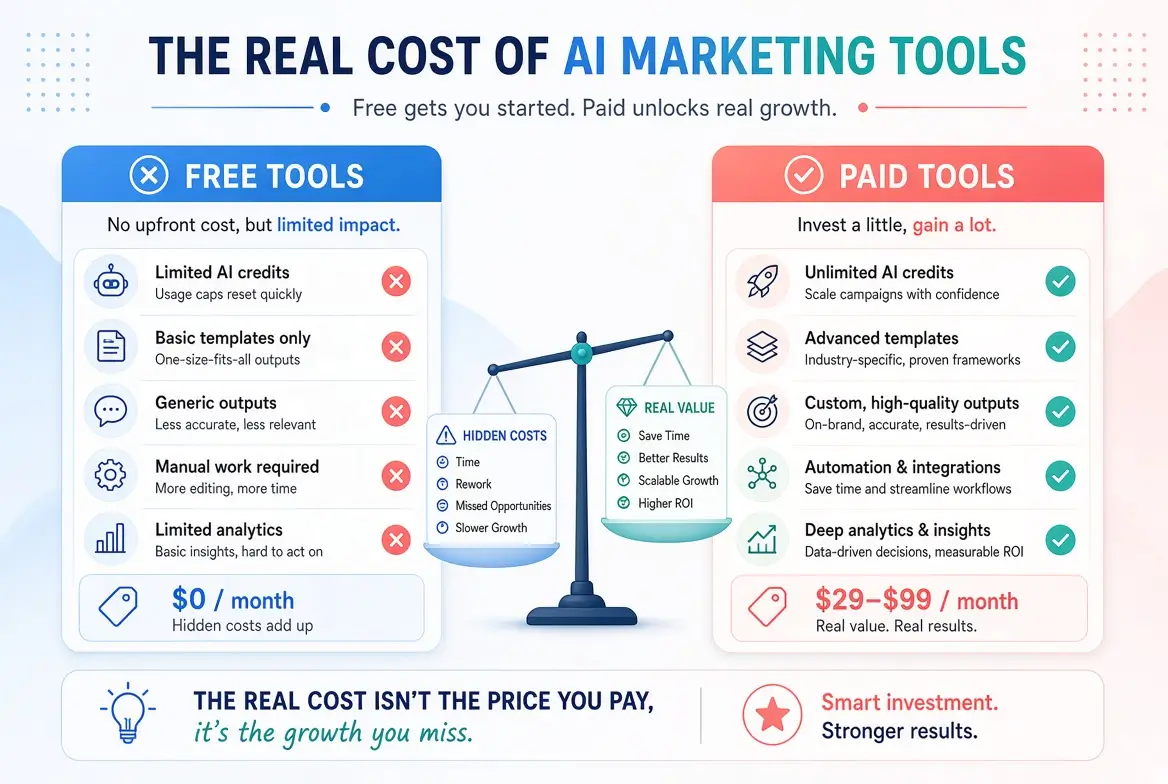
Real Cost of AI Marketing Tools (Free vs Paid Breakdown 2026)
Many non-technical marketers hesitate to adopt AI because they are unsure about the real cost. Free plans look limited, paid plans feel expensive, and it is hard to know what is actually worth paying for.
This guide provides a clear, realistic breakdown of what AI marketing tools cost in 2026. You will see typical price ranges, what you get for free, hidden costs, and when upgrading makes sense.
Why Understanding Cost Matters
AI tools can save significant time, but only if you use them consistently. Paying for tools you rarely open wastes money. On the other hand, refusing to upgrade when free limits block your progress wastes time.
The goal is to match cost with actual value in your workflow.
Free AI Marketing Tools: What You Actually Get
Several strong free options exist:
ChatGPT (Free)
- Solid performance for writing, ideation, and basic content tasks
- Usage limits apply
- Best for light to moderate daily use
Claude (Free)
- Excellent writing quality
- Message limits on the free plan
- Strong for longer content and natural tone
Gemini (Free)
- Good for drafting and Google Workspace users
- Generally usable free access
Canva (Free)
- Strong design templates and basic AI features
- Limited AI generations and storage compared with Pro
Microsoft Designer / Image Creator
- Free AI image generation
- Good quality for many marketing visuals
Native platform AI features
Many tools (Mailchimp, LinkedIn, Meta, HubSpot free tiers, etc.) include limited AI help at no extra cost.
Reality check: Free tools are powerful enough for most beginners and many solo marketers. Limits usually appear when you need higher volume, faster responses, team access, or advanced features.
Typical Paid AI Marketing Tool Costs (2026)
Prices vary, but here are common ranges non-technical marketers encounter:
| Tool Category | Typical Monthly Cost (Approx.) | What You Usually Get |
|---|---|---|
| General AI Writing (ChatGPT Plus, Claude Pro, etc.) | $20–$25 | Higher limits, better models, faster responses |
| Design (Canva Pro) | $12–$15 (individual) | Brand kit, more AI features, premium assets |
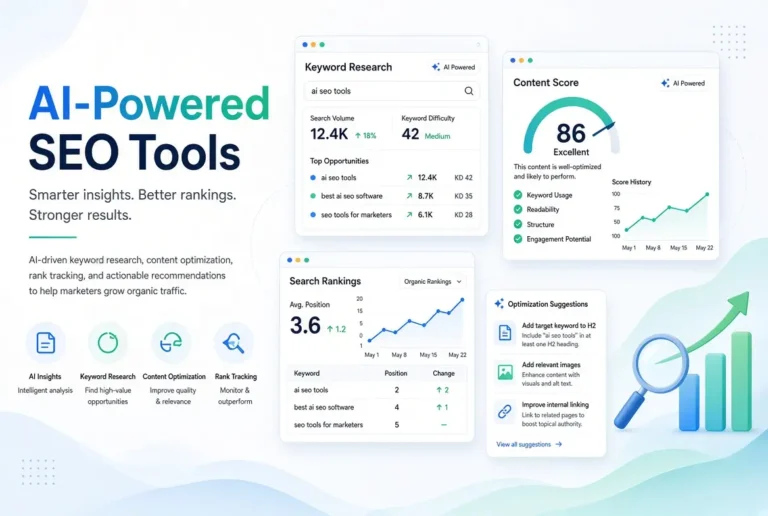
| SEO Optimization (Surfer, Frase, etc.) | $45–$100+ | Content editor, keyword data, optimization tools |
| Social Media AI Tools | $15–$50 | Captions, scheduling, content calendars |
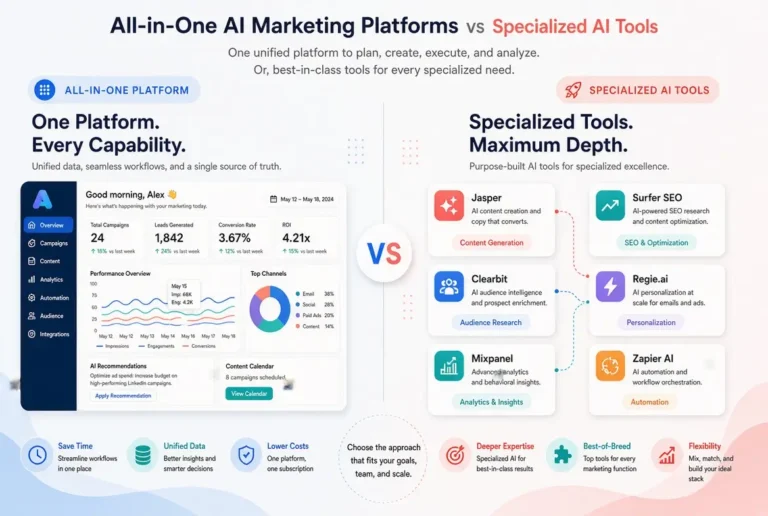
| All-in-One Marketing Platforms | $30–$150+ | Multiple features in one dashboard |
| Email Platform AI Add-ons | Often included or $10–$50 | Subject lines, content assistance |
Note: Annual billing usually reduces the monthly cost. Team plans cost more.
Hidden and Indirect Costs to Consider
The subscription price is not the only cost:
- Time spent learning the tool
- Switching costs if you change platforms later
- Team seats (per-user pricing adds up quickly)
- Overage fees on some platforms
- Unused subscriptions (the most common hidden cost)
A $20/month tool that you use daily can be far cheaper than a free tool that slows you down or a $50/month tool you open twice a month.
Free vs Paid: When Does Upgrading Make Sense?
Stay on free plans if:
- You use AI only a few times per week
- Free usage limits rarely block you
- Your output quality is already good enough after editing
- You are still testing what works
Consider paying if:
- You hit usage limits regularly
- You need faster responses for daily work
- You want team collaboration features
- You need advanced capabilities (brand kits, higher-quality images, detailed SEO data)
- The tool clearly saves you more time than it costs
A simple rule: If a paid tool saves you at least 2–3 hours per month, it is usually worth testing.
Cost-Effective Stack Examples
Budget-Friendly Stack (Mostly Free)
- ChatGPT or Claude Free
- Canva Free
- Native scheduling and email AI features
Estimated cost: $0–$15/month
Balanced Stack (Most Popular)
- ChatGPT Plus or Claude Pro ($20–$25)
- Canva Pro ($12–$15)
- Free or low-cost scheduling tools
Estimated cost: $30–$45/month
Growth Stack
- Premium writing tool
- Canva Pro
- One specialized tool (SEO or social)
Estimated cost: $70–$120/month
How to Avoid Wasting Money on AI Tools
- Start with free tools and real work
- Track how often you use each tool for 30 days
- Upgrade only one tool at a time
- Cancel anything you have not used in the past 30 days
- Review all subscriptions every quarter
Final Thoughts
The real cost of AI marketing tools is not just the monthly fee, it is also the combination of money, time, and attention.
Most non-technical marketers can achieve excellent results with a small number of tools. Many start successfully on free plans and only upgrade when the limitations become clear and costly in terms of time.
Focus on value, not on collecting tools. A simple, well-used stack almost always delivers better results than a collection of underused paid subscriptions.
For the complete overview of AI marketing tools, see the main pillar guide:
Complete Guide to AI Tools for Marketing
Related articles:
- Best Content Writing AI Tools
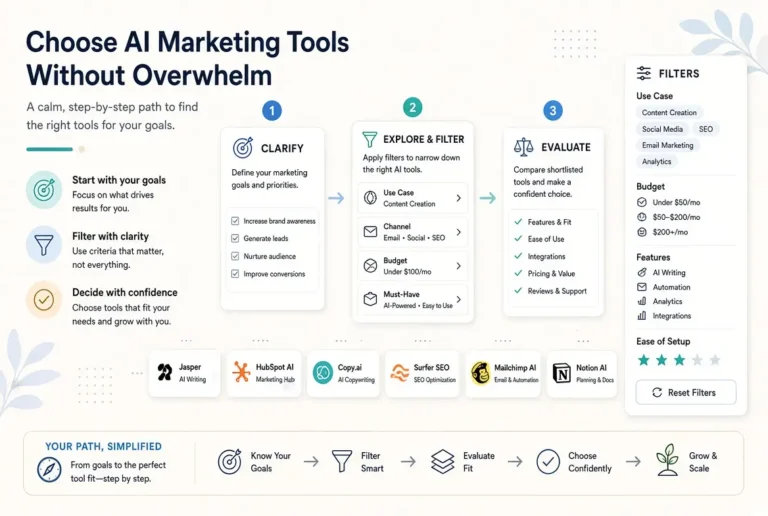
- How to Choose AI Marketing Tools
- All-in-One AI Marketing Platforms
- AI for Email Marketing
- AI for Social Media
Frequently Asked Questions
Yes for many solo marketers and beginners. Free plans of ChatGPT, Claude, Gemini, and Canva cover a wide range of everyday needs.
Many effective stacks cost between $0 and $50 per month. Higher costs usually apply when specialized SEO or team features are required.
Upgrade when free limits regularly interrupt your work or when a paid feature clearly saves you more time than it costs.
Sometimes in the short term. Over time, a few strong specialized tools can deliver better value if they significantly improve your output quality and speed.
Measure time saved on specific tasks for a few weeks and compare it to the subscription price. Also note whether the quality of your work improved.