The number of AI marketing tools available in 2026 is overwhelming. New platforms appear constantly, each promising to save time, write better content, or transform results. For non-technical marketers, this abundance often leads to decision paralysis, unused subscriptions, and wasted time.
You do not need dozens of tools. You need a simple way to choose the right ones for your specific situation.
This How to Choose AI Marketing Tools Guide gives you a clear, practical framework to select AI marketing tools without getting overwhelmed.
Why Choosing AI Tools Feels So Hard
Several factors create confusion:
- Too many options with overlapping features
- Aggressive marketing claims
- Fear of missing out on better tools
- Unclear pricing and free-plan limitations
- Lack of a clear decision process
The solution is not researching every tool. The solution is starting with your needs instead of the tools.
Step-by-Step Framework for Choosing AI Marketing Tools
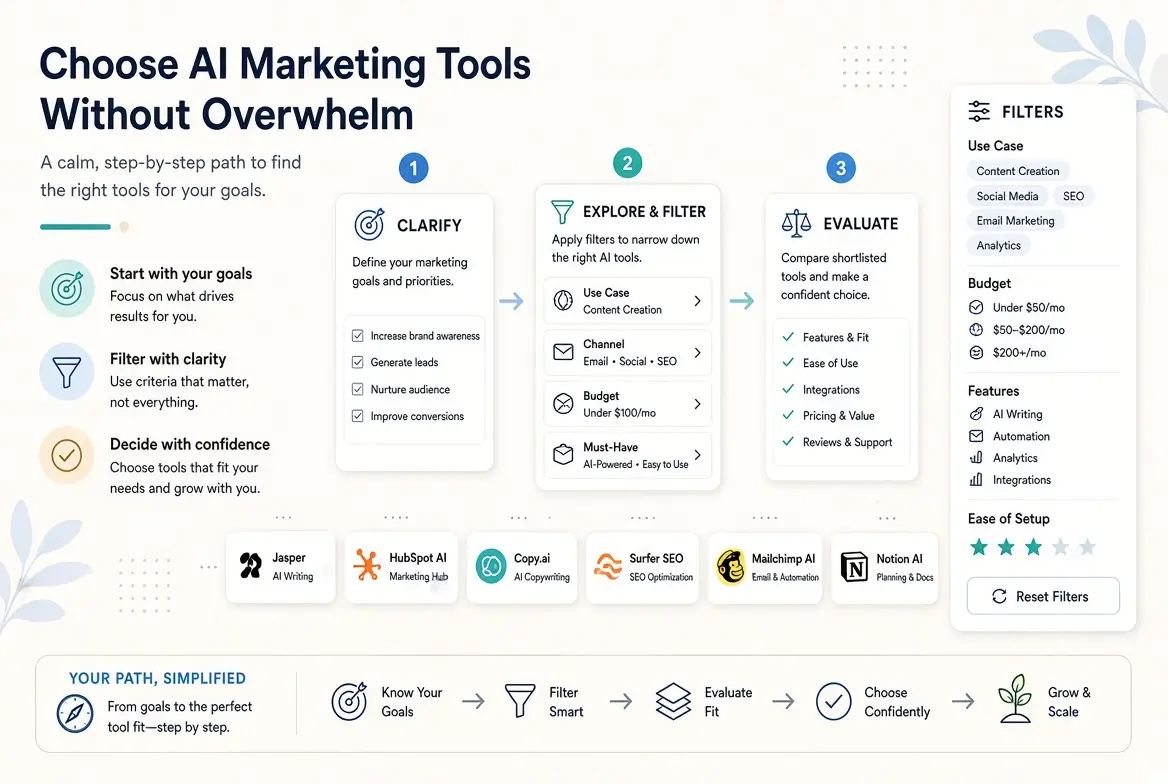
How to choose AI marketing tools without getting overwhelmed? Follow these steps in order.
Step 1: Identify Your Biggest Time Drains
List the marketing tasks that take the most time or energy each week. Common examples include:
- Writing social media captions
- Creating email campaigns
- Designing simple graphics
- Writing blog posts or website copy
- Doing basic keyword research
- Reporting results to stakeholders
Focus only on the top 2–3 pain points. These will guide your tool selection.
Step 2: Decide What “Success” Looks Like
For each major task, define a simple success metric. Examples:
- Reduce time spent writing emails by 50%
- Create social graphics in under 15 minutes
- Produce a first draft of a blog post in 20 minutes
- Generate useful content ideas in one sitting
Clear goals prevent you from chasing tools that look impressive but do not solve your real problems.
Step 3: Start with Free or Existing Tools
Before paying for anything, test:
- ChatGPT, Claude, or Gemini (for writing and ideation)
- Canva (for design)
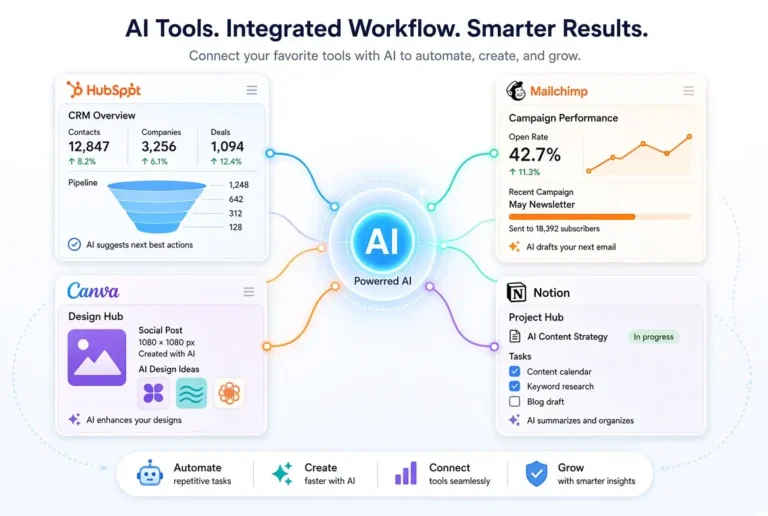
- Built-in AI features in tools you already use (Mailchimp, HubSpot, LinkedIn, Meta Business Suite, etc.)
Many non-technical marketers solve most of their needs with these free or already-available options.
Step 4: Evaluate Tools with a Simple Scorecard
When comparing tools, rate them on these criteria (score 1–5):
- Ease of use
- Quality of output
- Relevance to your top tasks
- Free plan usefulness
- Integration with your current workflow
- Cost vs value
Choose the tool with the highest score for your specific needs, not the one with the most features.
Step 5: Limit Yourself to a Small Stack
A strong, simple AI marketing stack usually includes:
- 1 primary writing/ideation tool
- 1 design tool
- 1 specialized tool only if needed (e.g., SEO or scheduling)
Avoid collecting tools “just in case.”
Step 6: Test Before You Commit
Run a 7-day or 14-day test using real work. Ask:
- Did this tool actually save me time?
- Is the output good enough after light editing?
- Will I use it at least weekly?
- Is it worth paying for?
If the answer is unclear, do not subscribe.
Step 7: Review Every 90 Days
Marketing needs change. Schedule a quick quarterly review of your tools. Cancel anything you are not actively using.
Recommended Starting Stacks by Situation
Solo marketer / beginner
- ChatGPT or Claude (writing)
- Canva (design)
- Native scheduling tools
Content-focused marketer
- Claude or ChatGPT
- Canva
- One SEO optimization tool (if publishing regularly)
Email-heavy marketer
- ChatGPT or Claude
- Built-in AI features in your email platform
- Canva for supporting visuals
Small team
- Shared writing tool with team access
- Canva Brand Kit
- Existing marketing platform AI features (HubSpot, Mailchimp, etc.)
Red Flags When Choosing AI Tools
Watch out for these warning signs:
- The tool requires a long onboarding process for basic tasks
- Heavy emphasis on features you will never use
- Poor-quality output even with good prompts
- Aggressive upselling and limited free functionality
- No clear way to export or use the output elsewhere
Common Mistakes to Avoid When Using AI Marketing Tools
- Starting with paid tools before testing free options
- Buying multiple tools that do the same thing
- Choosing tools based on popularity instead of fit
- Ignoring the tools already included in platforms you pay for
- Expecting one tool to solve every marketing problem
Quick Decision Checklist
Before adding any new AI tool, answer these questions:
- Which specific task will this improve?
- Have I already tried a free alternative?
- Can I test it with real work in under a week?
- Will I use it at least once a week?
- Does it fit my current skill level?
If you cannot answer clearly, wait.
Final Thoughts on How to Choose AI Marketing Tools
The goal is not to use the most AI tools. The goal is to get better marketing results with less friction.
By starting with your real needs, testing free options first, and keeping your stack small, you can adopt AI confidently without overwhelm. Most non-technical marketers achieve strong results with just two or three well-chosen tools.
Choose less, use them better, and review regularly. That approach consistently outperforms chasing every new platform.
For the complete overview of AI marketing tools, see the main pillar guide:
Ultimate Guide to AI Tools for Marketing in 2026
Related articles:
- Top Free AI Tools for Content Writers
- Best Free AI Tools for Email Marketing
- AI for Social Media Management Tools Comparison
- AI Design Tools for Marketers Who Can’t Design
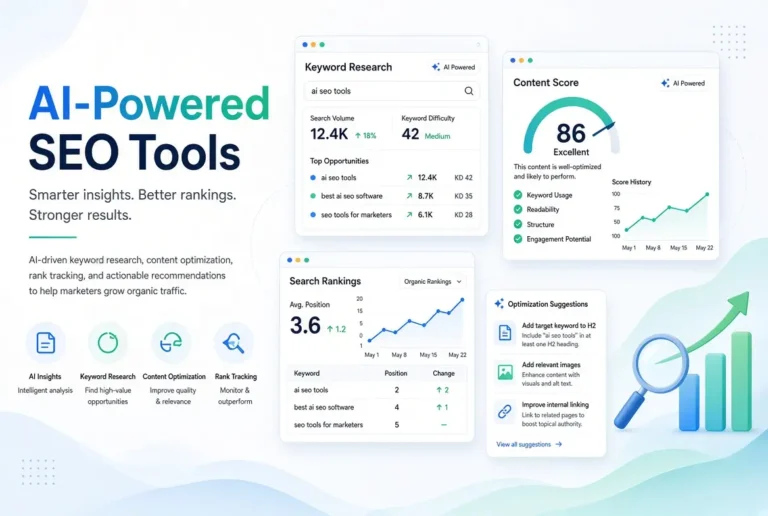
- Best Free AI SEO Tools for Marketers
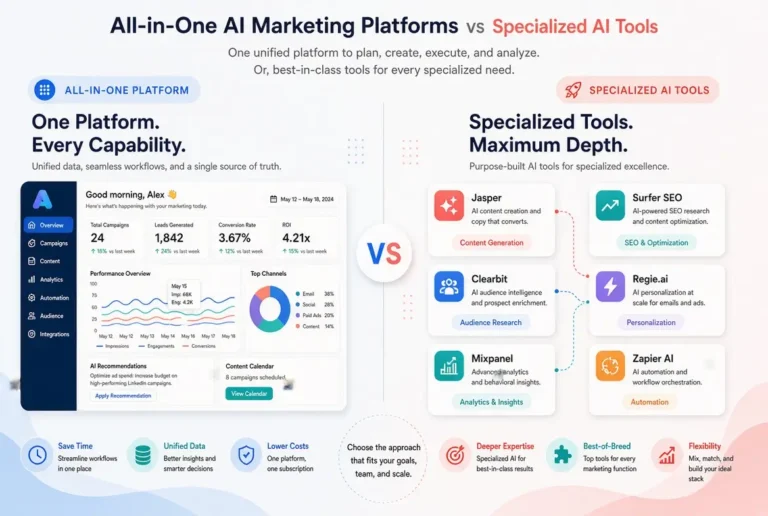
- All-in-One AI Marketing Platforms vs Specialized AI Tools
Frequently Asked Questions
Most non-technical marketers do well with 2–4 tools total. More than that often creates complexity without extra benefit.
No. Start with solid free tools now. You can always switch later if something significantly better appears.
It depends on your situation. Beginners often prefer simplicity (all-in-one or small stacks). Growing teams usually benefit from specialized tools.
Buying tools based on features or hype instead of clearly defined needs and real testing.
A light review every 90 days is usually enough to catch unused subscriptions and changing needs.