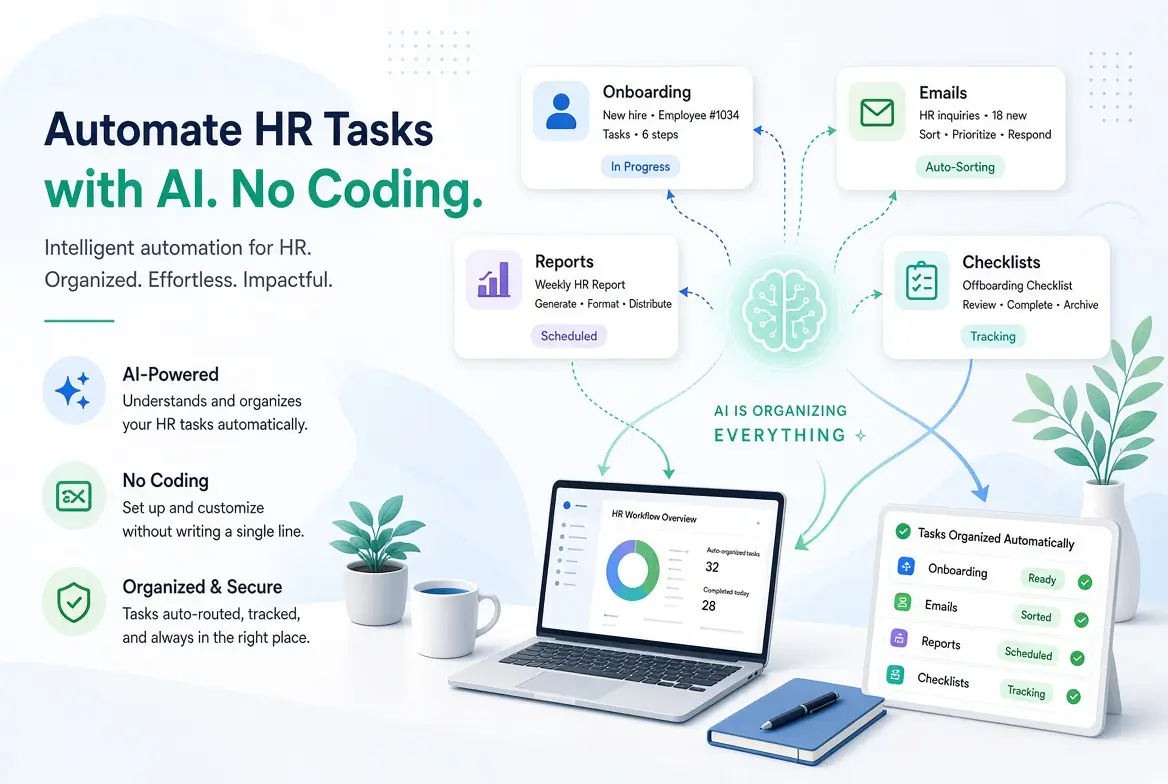
How to Automate HR Tasks with AI (No Coding Required)
HR teams are often buried in repetitive administrative work: writing similar emails, answering the same policy questions, formatting reports, preparing onboarding documents, and chasing information across tools. Many HR professionals assume that automating these tasks requires technical skills, developers, or expensive systems.
That is no longer true.
According to SHRM’s State of AI in HR 2026 report (based on a survey of nearly 1,900 HR professionals), 39% of organizations had already adopted AI in their HR functions by late 2025, with another 7% planning to launch in 2026. Recruiting remains the top use case, but administrative and operational tasks are rapidly following.
In my experience working with non-technical HR managers and people operations teams, the biggest gains usually come from simple AI-assisted workflows rather than complex automation projects. You do not need to code. You need clear processes, the right prompts, and a realistic view of what should (and should not) be automated.
This guide shows you how to start automating HR tasks with AI in a practical, low-risk way.
The Real Cost of Manual HR Work
Research consistently shows that HR teams spend a large portion of their time on administrative tasks. Some studies indicate that more than half of an HR professional’s week can be consumed by routine work such as paperwork, answering repeated questions, and generating standard documents.
When AI is applied well, the impact is measurable. One analysis found that HR teams using AI tools reported around a 40% reduction in time spent on administrative tasks. Other reports show many HR professionals saving between three and five hours per week.
Which HR Tasks Are Best Suited for AI Automation?
Not every HR task should be automated. The best candidates share common traits:
- High volume
- Repetitive structure
- Clear rules or templates
- Low risk if lightly reviewed by a human
Strong starting tasks include
- Drafting job descriptions
- Writing offer letters and standard employee communications
- Creating onboarding checklists and welcome emails
- Answering common policy questions
- Summarizing employee feedback or survey results
- Preparing first drafts of HR reports
- Scheduling-related communication
- Turning meeting notes into action items
Tasks that still need strong human judgment
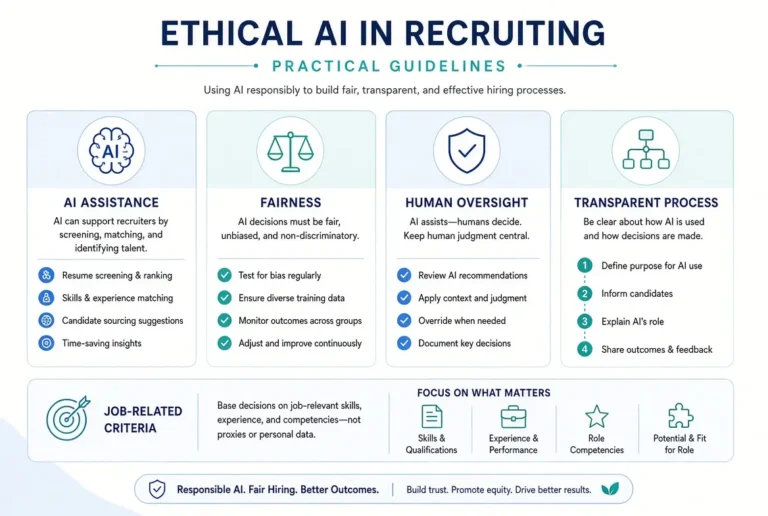
- Final hiring decisions
- Sensitive employee relations issues
- Performance improvement plans with legal risk
- Compensation decisions
- Any situation requiring empathy, context, or ethical judgment
SHRM data shows that AI is currently most common in recruiting (27% of organizations), followed by HR technology, learning & development, and employee experience. Administrative automation is growing, but governance and human oversight remain essential.
A Practical Framework for No-Code HR Automation with AI
Here is the approach I recommend most often when people ask how to automate HR tasks with AI no coding needed.
Step 1: Identify One High-Friction Task
Start small. Choose a task you repeat weekly that follows a similar pattern each time. Examples:
- Writing follow-up emails after interviews
- Creating onboarding schedules
- Drafting internal announcements
- Preparing monthly HR summaries
Step 2: Document the Current Process
Write down:
- What inputs you need
- What the output should look like
- What variations usually occur
- What must always be checked by a human
This step is often skipped, and it is one of the main reasons automation efforts fail.
Step 3: Use AI to Create the First Draft System
General AI tools such as ChatGPT, Claude, or Gemini are powerful enough for most HR drafting and structuring tasks.
Example prompt for onboarding communication
Act as an experienced HR manager. Create a friendly and professional onboarding email sequence for a new hire joining a [company type] in a [role].
Include:
- Welcome email
- First-day logistics email
- End-of-first-week check-in email
Keep the tone warm, clear, and concise.
Example prompt for policy clarification
Rewrite this HR policy in simple, employee-friendly language while keeping the meaning accurate.
Highlight any areas that may still need legal review.

[Paste policy]
Step 4: Build Reusable Prompt Templates
The real productivity gain comes when you stop starting from zero. Save your best prompts and lightly adapt them.
In practice, HR professionals who build a small internal prompt library move much faster than those who treat every AI interaction as a new conversation.
Step 5: Add a Human Review Layer
Every automated or AI-assisted HR output should pass through a quick human check, especially when it touches employees directly. AI reduces drafting time; it does not remove accountability.
Pro Tip: The Biggest Win Is Draft Automation, Not Full Automation
After observing multiple HR teams adopt AI, one pattern is consistent: teams that aim for “perfect hands-off automation” often get stuck. Teams that aim for “AI creates the first draft, humans refine and approve” move faster and see earlier results.
This aligns with broader findings that while AI adoption in HR is rising quickly, deep process automation (75%+ of workflows) is still relatively uncommon. Most organizations are still in the early-to-middle stages of turning AI use into reliable operational systems.
In HR, trust and accuracy matter more than maximum automation. Draft automation delivers most of the time savings with far less risk.
Case study Example
An HR generalist at a mid-sized company was spending several hours each week writing similar onboarding emails and internal announcements. She created three reusable AI prompts: one for new hire welcome emails, one for role-specific onboarding checklists, and one for company announcements.
Within two weeks, she reduced drafting time significantly and reported lower mental fatigue. She still reviewed every message before sending, but the blank-page problem disappeared. No developers or complex tools were involved.
Free and Low-Complexity Tools to Start With
You can begin with:
- ChatGPT, Claude, or Gemini for drafting and structuring
- Google Docs or Notion for storing prompt templates and standard operating procedures
- Existing HR tools (HRIS, email, shared drives) for final delivery
More advanced no-code automation platforms can come later once your process is stable.
Mistakes to Avoid When You Automate HR Tasks with AI
- Trying to automate too many tasks at once
- Using AI for sensitive decisions without human oversight
- Forgetting to remove confidential data from prompts
- Accepting AI output without checking tone, accuracy, and compliance
- Failing to document what was automated and why
A Simple 7-Day Starting Plan
Day 1: Choose one repetitive HR task
Day 2: Document the current process
Day 3: Create and test an AI prompt
Day 4: Refine the output format
Day 5: Save the prompt as a reusable template
Day 6: Use it on a real task and review carefully
Day 7: Measure time saved and decide on the next task
This paced approach works better than trying to overhaul everything immediately.
Final Thoughts
Automating HR tasks with AI does not require coding skills or a large technology project. It requires selecting the right tasks, creating clear prompts, and keeping humans in the loop.
Start with one repetitive workflow this week. Build a reusable prompt, test it, and refine it. The HR professionals who benefit most from AI are not the ones with the most personal productivity AI tools. They are the ones who consistently remove friction from their daily work.
Frequently Asked Questions
Yes. Many valuable use cases only require clear instructions and a general AI tool.
It can be, when you avoid sharing sensitive personal data, review outputs carefully, and keep humans responsible for final decisions.
Drafting repetitive emails, onboarding checklists, and standard internal communications are usually the easiest starting points.
No. Free tiers of major AI tools are sufficient for many HR drafting and structuring tasks.
Use AI for first drafts only, apply internal review, and involve legal or compliance experts when policies or regulations are involved.