Using AI for Resume Screening Without Bias (Practical Guide 2026)
Resume screening is one of the most time-consuming stages in recruiting. When application volume rises, many HR teams look for ways to move faster. AI can help, but only when it is applied carefully.
Used poorly, AI resume screening can amplify bias, overlook strong candidates, and create compliance risk. Used well, it supports faster, more consistent first-pass reviews while keeping humans in control of every advancement decision.
This guide shows non-technical HR professionals how to approach using AI for resume screening without bias, with practical steps, safeguards, and prompt examples you can apply immediately.
Why Bias Risk Matters in AI Resume Screening
AI systems respond to the data and instructions they receive. If criteria or historical patterns favor certain backgrounds, schools, or career paths, AI can scale those preferences quickly.
Common risks in AI for resume screening include:
- Over-weighting pedigree instead of job-relevant skills
- Penalizing non-linear careers or employment gaps
- Ranking candidates on vague “fit” signals
- Treating AI output as an objective score rather than decision support
This is why bias-free AI screening is less about finding a perfect tool and more about building a controlled process.
What AI Should and Should Not Do When Screening Resumes
AI is useful for:
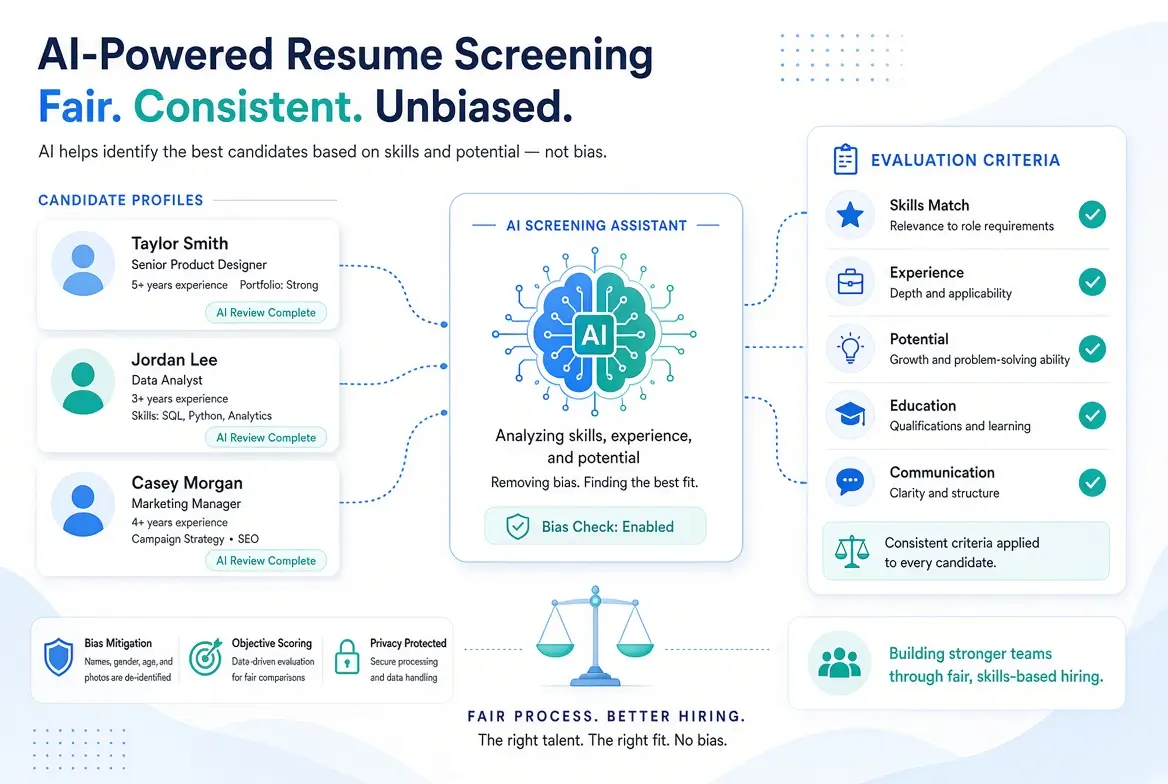
- Summarizing resumes against defined criteria
- Highlighting relevant experience and skills
- Flagging missing must-have requirements
- Creating structured notes for human reviewers
- Organizing large applicant volumes more efficiently
AI should not:
- Make final advancement or rejection decisions alone
- Rank candidates without transparent, job-related criteria
- Operate without human review
- Replace recruiter or hiring-manager judgment
The most reliable model is AI-assisted screening, not fully automated decision-making.
A Practical Process for Ethical AI Resume Screening
Step 1: Define Job-Related Criteria Before Screening
Before using any AI tool, document:
- Must-have skills and experience
- Nice-to-have qualifications
- What successful performance in the role actually requires
Avoid proxy criteria such as school prestige or specific company names unless they are genuinely essential.
Strong criteria start with strong role definition. For help improving the foundation of your hiring process, see:
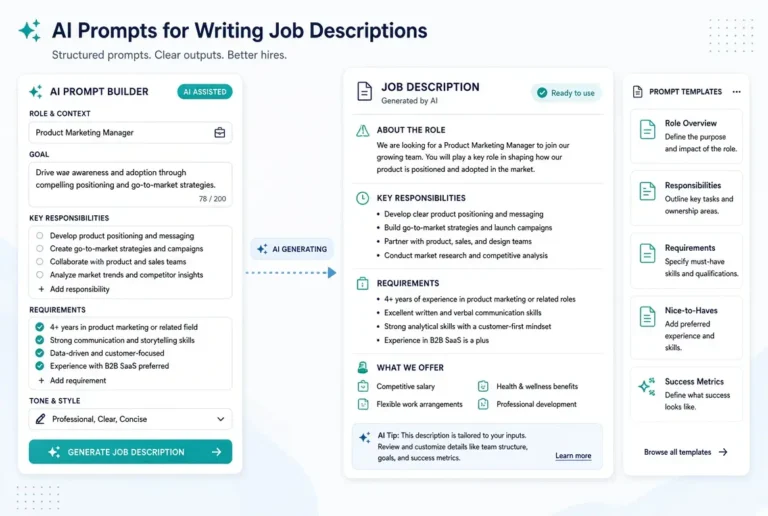
How to Write Better Job Descriptions with AI
Step 2: Use AI for Structured Support, Not Ranking
Instead of asking AI to “pick the best candidates,” ask it to evaluate evidence against your criteria.
Recommended prompt:
Act as a careful recruiting assistant. Review the following resume against these job criteria only.

Must-have requirements:
[List]

Nice-to-have requirements:
[List]

Summarize:
- Which must-have requirements appear to be met
- Which appear missing or unclear
- Relevant experience that matches the role
- Any notable gaps or questions for a human reviewer

Do not rank the candidate overall. Do not make a hire/no-hire recommendation. Stick only to the criteria provided.

Resume:
[Paste resume text or summary]
Step 3: Keep Humans in the Decision Loop
AI output should inform, not replace, human review. Recruiters and hiring managers should still:
- Read promising and borderline resumes
- Consider context AI may miss
- Make advancement decisions
- Document rationale when needed
Step 4: Audit Outcomes Regularly
Review patterns over time:
- Who advances and who does not
- Whether certain backgrounds are consistently filtered out
- Whether criteria need refinement
Continuous review is a core part of ethical AI resume screening.
AI Prompts for Resume Screening (Bias-Aware & Practical)
Use these prompts with ChatGPT, Claude, Gemini, or similar tools. They are designed to support AI-assisted resume screening while reducing the risk of bias by keeping evaluation criteria explicit and human judgment in control.
How to Use These Resume Screening Prompts
- Define your must-have and nice-to-have criteria first
- Paste the prompt and replace the bracketed sections
- Review every AI output before making decisions
- Never ask AI to make final hire/no-hire recommendations
1. Core Resume Screening Prompt (Recommended Default)
Act as a professional recruiting assistant. Review the below resume against these job criteria only.

Must-have requirements:
[List must-have skills, experience, and qualifications]

Nice-to-have requirements:
[List nice-to-have items]

Summarize:
- The must-have requirements that appear to be met
- The must-have requirements that appear missing or unclear
- The relevant experience(s) that matches the role
- Which gaps or questions that a human reviewer would examine

Do not rank the candidate.
Do not make a hire/no-hire recommendation.
Do not judge the overall “fit.”
Stick only to the criteria provided.

Resume:
[Paste resume text]
2. Skills Evidence Extraction Prompt
Extract evidence from this resume that relates only to the following required skills.

Required skills:
[List skills]

For each skill:
- State whether evidence is present, partial, or not found
- Quote or paraphrase the supporting evidence from the resume
- Note if the evidence is unclear

Do not add extra evaluation criteria.
Do not rate the candidate overall.

Resume:
[Paste resume text]
3. Must-Have Checklist Prompt
Evaluate this resume using a simple checklist format.

Must-have criteria:
1. [Criterion]
2. [Criterion]
3. [Criterion]
4. [Criterion]
5. [Criterion]

For each criterion, answer:
- Met / Partially met / Not found
- Brief evidence from the resume

Do not provide an overall score or recommendation.

Resume:
[Paste resume text]
4. Gap and Clarification Prompt
Review this resume against the role requirements below and list only the gaps or unclear areas a recruiter should investigate further.

Role requirements:
[List requirements]

Output:
- Missing must-have items
- Unclear or incomplete experience
- Questions a human reviewer should ask

Do not recommend advancing or rejecting the candidate.

Resume:
[Paste resume text]
5. Side-by-Side Comparison Prompt (Multiple Candidates)
Compare the following resumes only against the same must-have criteria.

Must-have criteria:
[List criteria]

For each candidate, summarize:
- Must-haves met
- Must-haves missing or unclear
- Notable relevant experience

Present the information in a clear comparison format.
Do not rank the candidates.
Do not select a preferred candidate.

Resumes:
Candidate A:
[Paste]

Candidate B:
[Paste]

Candidate C:
[Paste]
6. Non-Traditional Background Review Prompt
Review this resume carefully for transferable experience relevant to the role.

Role focus:
[Brief role summary]

Must-have requirements:
[List]

Identify:
- Directly relevant experience
- Transferable skills that may meet requirements
- Areas that remain unclear and need human review

Do not penalize non-linear career paths or employment gaps automatically.
Do not make a final recommendation.

Resume:
[Paste resume text]
7. Screening Notes for Hiring Manager Prompt
Create neutral screening notes for a hiring manager based only on the criteria below.

Must-have requirements:
[List]

Nice-to-have requirements:
[List]

Provide:
- Summary of relevant experience
- Criteria met
- Criteria unclear or missing
- Suggested questions for interview (if applicable)

Keep the tone factual and neutral.
Do not include a hire/no-hire recommendation.

Resume:
[Paste resume text]
8. Bias-Check Prompt for Your Own Criteria
Review the following screening criteria for potential bias or proxy requirements that may unfairly exclude qualified candidates.

Criteria:
[Paste your must-have and nice-to-have list]

Identify:
- Criteria that may act as unnecessary proxies (e.g., school prestige, specific company names)
- Requirements that could be converted into skills-based alternatives
- Wording that may be overly narrow

Suggest clearer, more job-related alternatives where appropriate.
Prompting Best Practices for Fairer Screening
- Always define criteria before reviewing resumes
- Ask for evidence, not overall scores
- Avoid “best candidate” or “top 10” prompts
- Manually review borderline and non-traditional profiles
- Save and reuse your best prompt templates
- Periodically audit outcomes for patterns
Quick Reminder
AI should help you organize and summarize information.
Humans should make the screening decisions.
These prompts are designed to support that principle.
Best Practices for Bias-Aware Screening
- Define structured criteria before screening begins
- Avoid overall AI-generated “fit” scores
- Focus on skills and evidence, not pedigree
- Manually review edge cases and non-traditional profiles
- Be transparent when AI plays a meaningful role
- Document the process so it can be explained and improved
- Test prompts on diverse example resumes before wider use
For broader guidance on responsible use, see:
Ethical AI in Recruiting – Practical Guidelines
Common Mistakes to Avoid When Using AI for Resume Screening
- Asking AI to select the “top candidates” with no criteria
- Feeding biased historical hiring patterns into tools
- Treating AI rankings as objective truth
- Skipping human review of non-traditional candidates
- Using opaque tools without understanding their logic
Resume Screening Tools Non-Technical HR Teams Can Use
You do not need enterprise software to begin:
- ChatGPT, Claude, or Gemini for structured resume summaries
- Your existing ATS for tracking and organization
- Simple scorecards or spreadsheets for consistent human evaluation
More advanced tools can be added later, once criteria and oversight habits are solid. For budget-conscious options, explore:
AI Tools for Recruiting on a Budget
How This Fits Into a Complete Recruiting System
Bias-aware AI screening works best when connected to:
- Clear job descriptions
- Structured interview design
- Consistent evaluation standards
- Human accountability at decision points
Related reading in this cluster:
- AI Prompts for Writing Job Descriptions
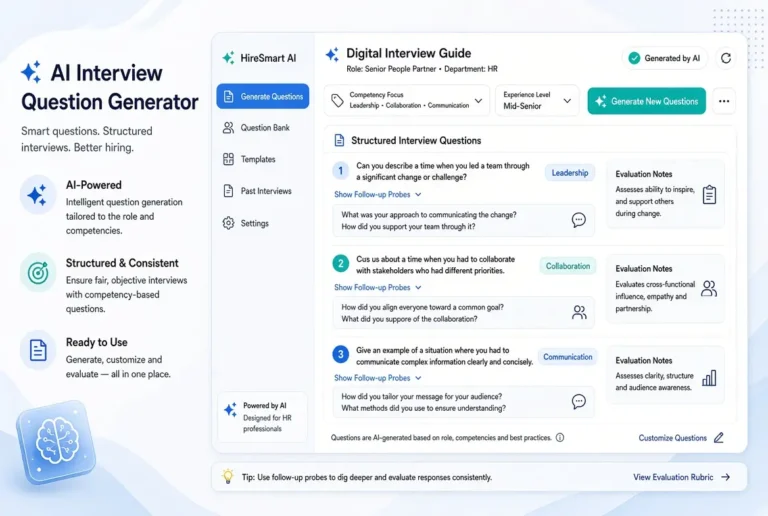
- AI Interview Question Generator for HR
- AI-Powered Recruiting Workflow for Small Teams
For the full framework, see the pillar guide:
AI for Recruiting and Talent Acquisition
Final Thoughts
AI can make resume screening faster and more consistent. It cannot make screening fair by itself.
The most effective non-technical teams treat AI as a structured assistant. They define clear, job-related criteria, use AI to organize and summarize information, and keep humans responsible for every advancement decision.
Start with one open role. Write your must-have criteria, use AI only for first-pass support, and build human review into the process from day one. That combination of speed and accountability is the practical path to better, fairer AI resume screening.
Frequently Asked Questions
Some tools attempt full automation, but automated decisions increase bias and compliance risk. AI-assisted screening with human oversight is the safer approach.
It can support consistency when criteria are clear, but it can also amplify bias if inputs or instructions are flawed. Process design determines the outcome.
Begin with manual criteria definition and AI-assisted summarization rather than automated ranking or rejection.
Transparency requirements vary by location. When AI plays a meaningful evaluation role, disclosure is often best practice.
Review outcomes for patterns, test the process on diverse examples, and refine criteria based on evidence.